

3D-Lab
Overview
Directly to:
1. basic information
Scanning and printing small 3D projects
Library users with a library card
Kassel University Library
2. brief description
Implementation of smaller 3D projects
Commercial print shops with 3D printers. FabLab - Student Makerspace at FB 16
3. main functions
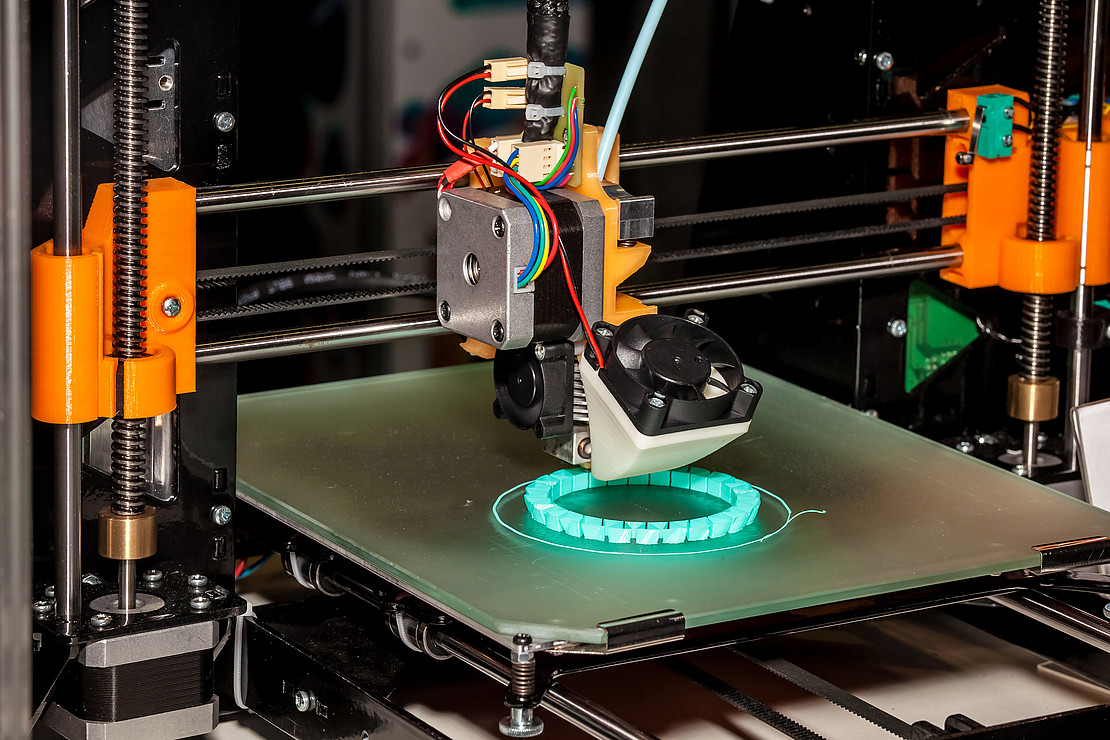
- 3D scanning and 3D printing
4th deployment scenario
- A library user needs a spare part or a gadget that has broken or that is useful for their daily applications (e.g. holding or clamping systems).
5. technical requirements
- Library card of the Kassel University Library
- Slicer software for 3D printing (Slicer from Prusa) (available in the 3D Lab)
- EXScan_S for the plate scanner (EinScan-SE V2) incl. account (available in the 3D Lab)
- EXStar for the hand scanner (EINSTAR hand-guided) incl. account (available in the 3D Lab)
6. use and access
- Participation in a 3D training course so that the Lab can be used independently (acquisition of a 3D driver's license)
- A seat booking can be made once the 3D driver's license has been acquired: https://portal.ub.uni-kassel.de/platzbuchung/index.php?login
7. support and contact
| Name, Forename | Contact | |
|---|---|---|
| 3D-Lab 3D Lab support |
8. instructions and further links
9. special notes (data protection, terms of use)
Storage of personal data in accordance with the GDPR
Status: July 2025
Go-Link of this page: https://www.uni-kassel.de/go/ezb