iOS
The content on this page was translated automatically.
eduroamCAT under Apple IOS device
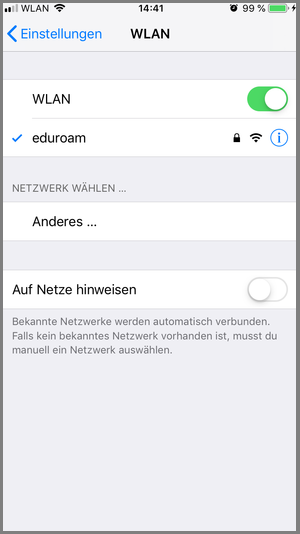
Remove the eduroam network from the network settings of your mobile device before installation. To do this, select "Forget network/remove network" under eduroam.
Please note that you must be within the signal range of the University of Kassel's eduroams network to set up the app and require another active internet connection (e.g. LTE, other WLAN, hotspot).
Select any browser and visit https://cat.eduroam.org/ to download the eduroamCAT installation program.
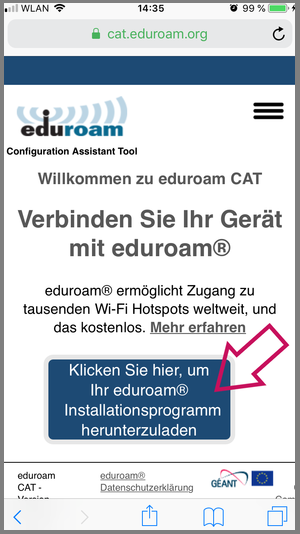
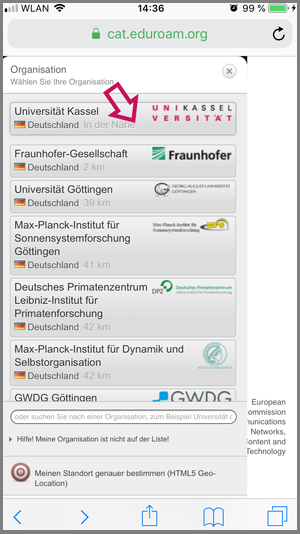
After downloading, please select the University of Kassel. If the organization is not displayed, enter "Universität Kassel" in the search field below.
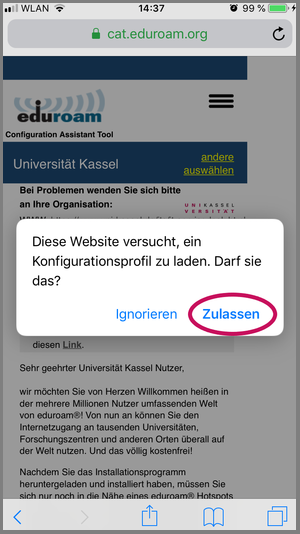
Then click on "Allow" to download the configuration profile.
Your profile has been downloaded. Now click on "Close".
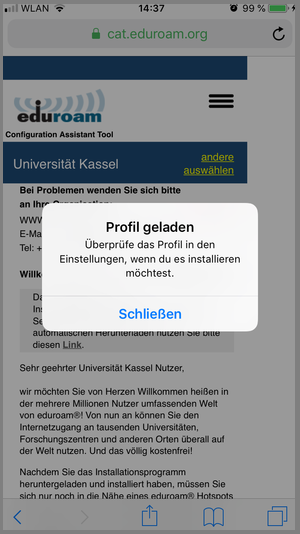
Now open the settings and click "Load profile".
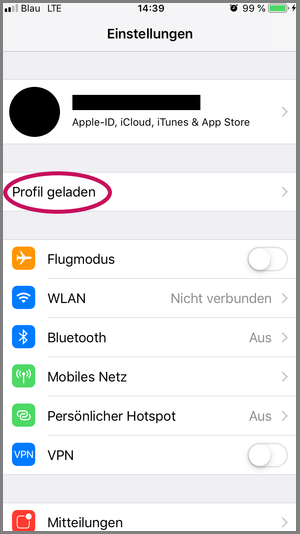
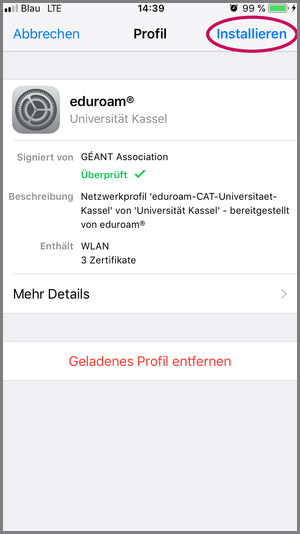
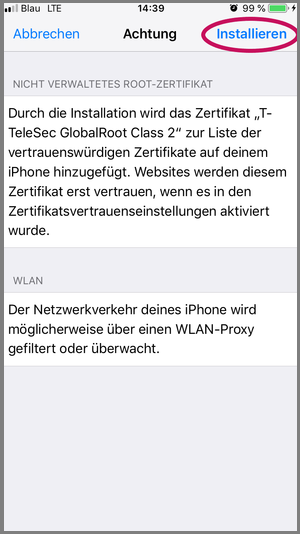
Then click on "Install".
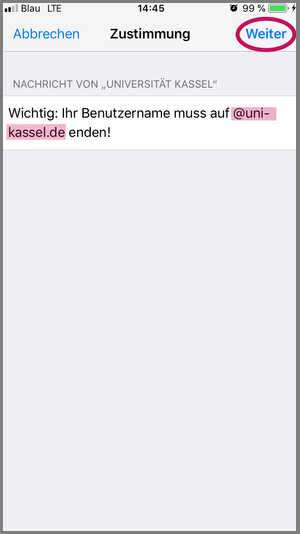
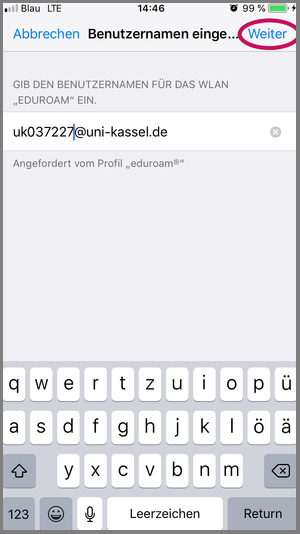
It is important that the user name you enter ends with @uni-kassel.de.
Then click on "Install".
Enter your user name "UniAccount@uni-kassel.de" in the input field (the UK number in the image is only an example).
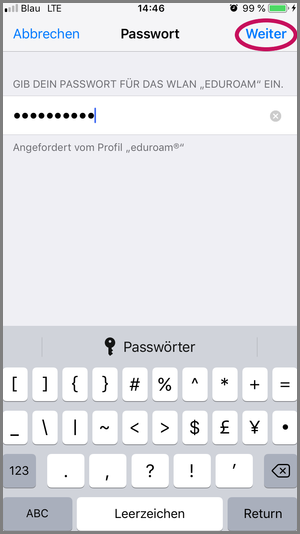
Enter the password for your UniAccount in the input field.
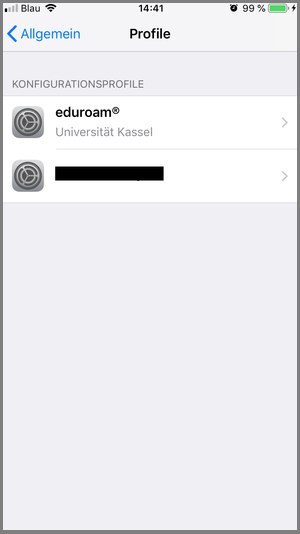
Your profile should now have been created automatically and be visible under "Settings -> Profiles".
eduroam is now automatically connected.