

Instructions
Contents
Registration
In the login screen, select the "Federated login" button on the right-hand side.

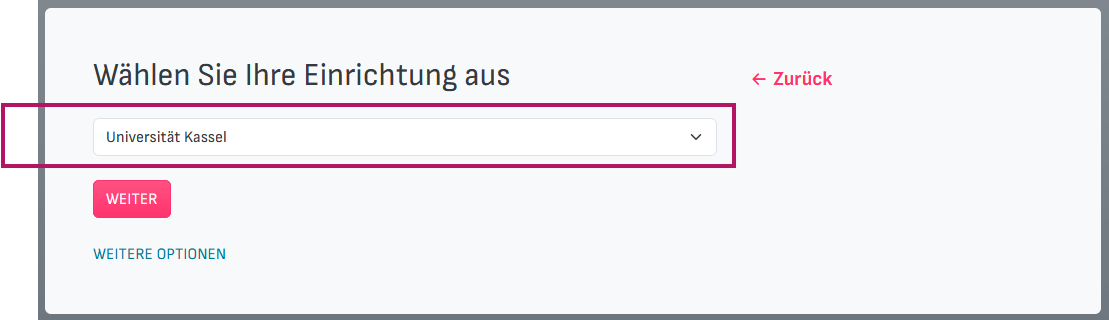
Then select the institution "Universität Kassel" from the drop-down menu or the search bar. Then click on "NEXT" to be redirected to the University of Kassel registration page.
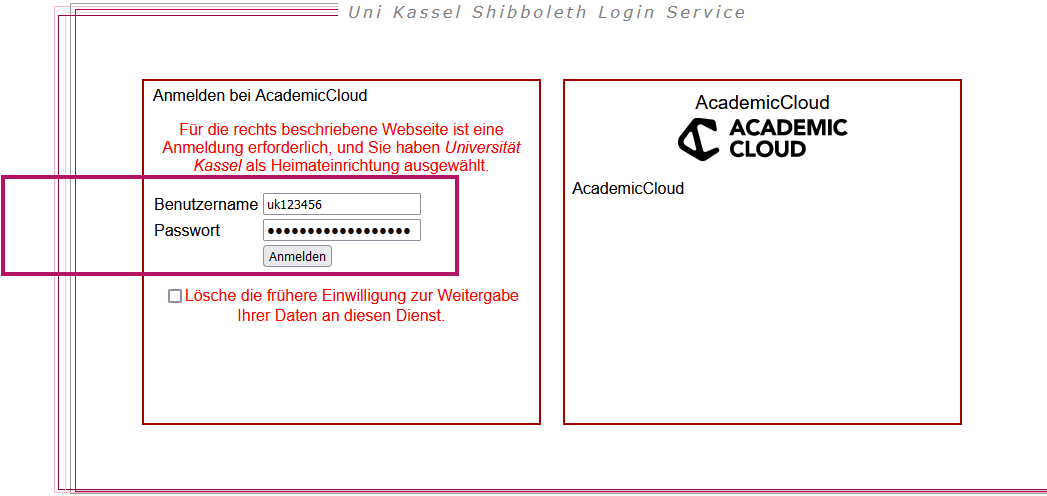
Log in with your user ID and the corresponding password.
Use
In the top left-hand area, you have the option of switching to night mode and opening new chats. These remain in place and can be renamed and deleted.

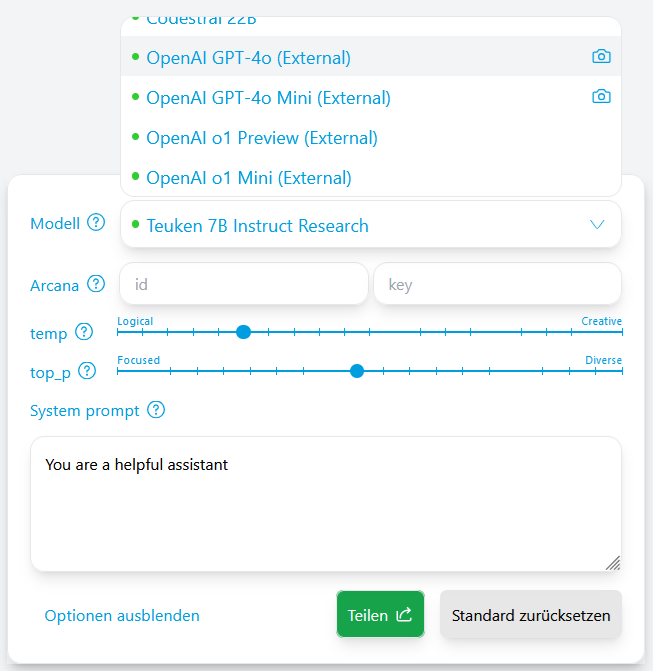
You can select a language model for the respective chat in the bottom right-hand area. You can also adjust certain parameters that influence the quality of the text output. These settings do not affect OpenAI (ChatGPT) language models.
In the middle central area is the input field, the chat history and a note on data protection and usage. The chat history can be deleted. Chat histories can also be exported and imported. Some language models allow the insertion of image files.
