

Instructions
Registration
In order to use eTranslation, the first step is to create an EU login account. Please go to the following link: https://webgate.ec.europa.eu/cas/eim/external/register.cgi
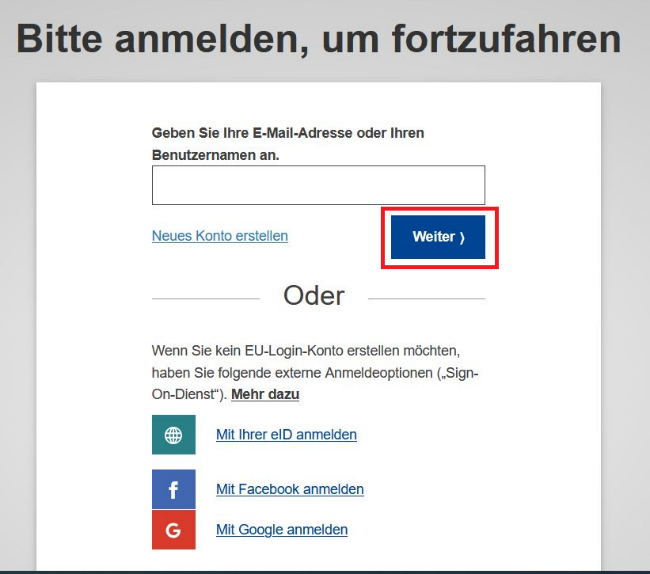
Please enter your work e-mail address and click on "Continue".
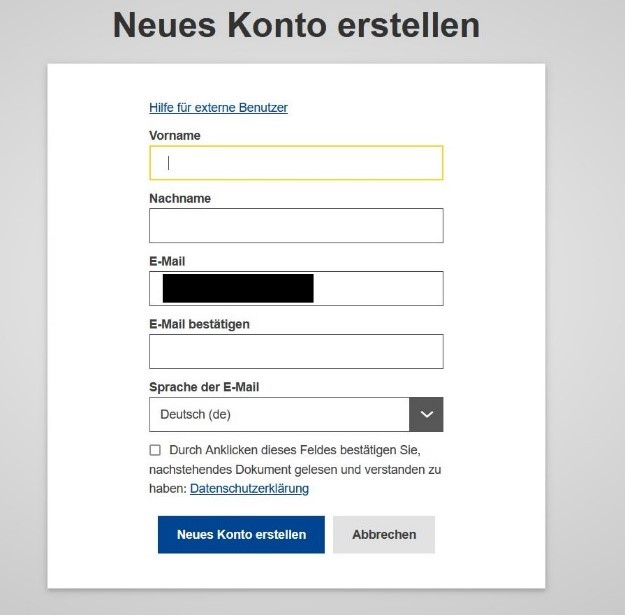
Then enter your first and last name and confirm your e-mail address again. The "E-mail" field is already pre-filled
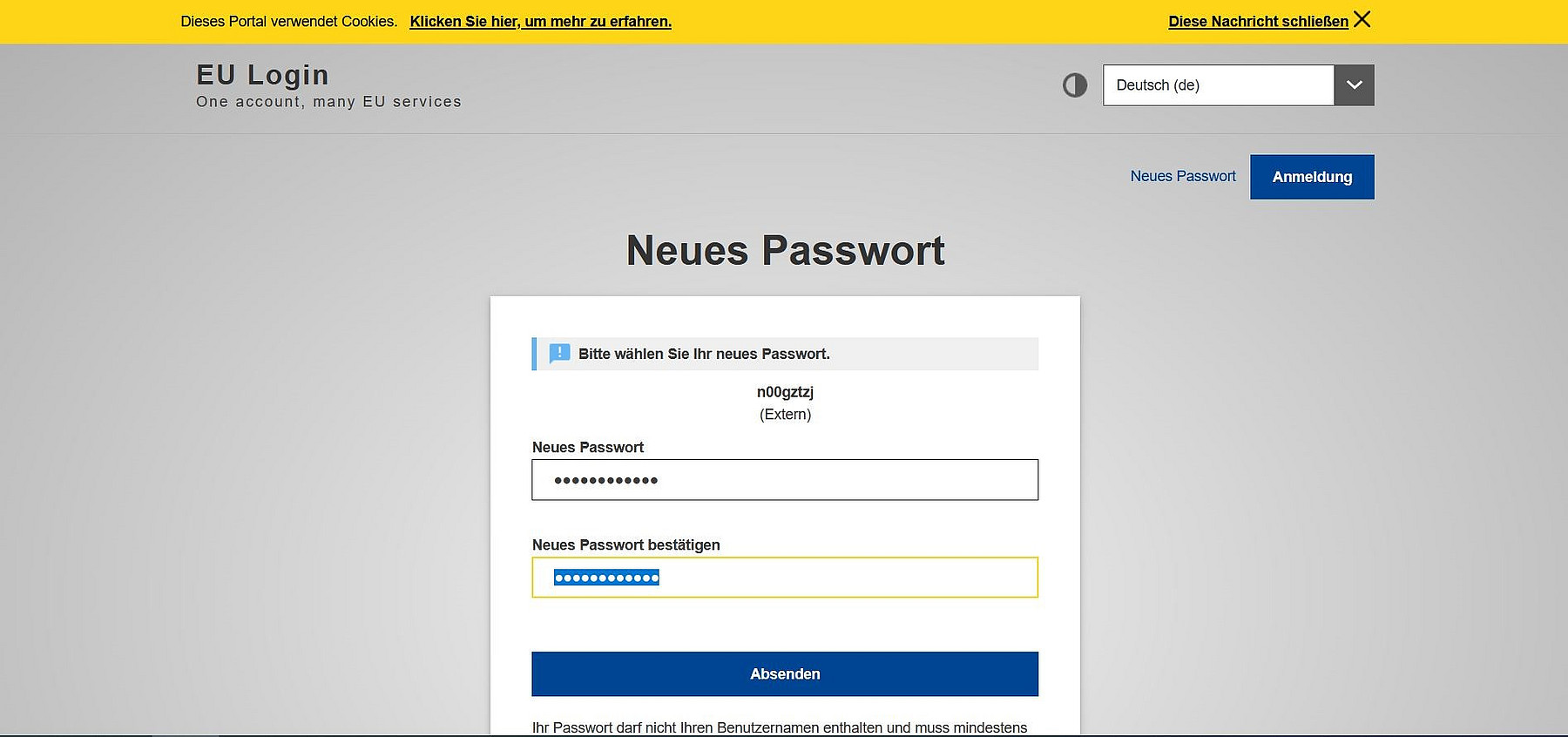
You will then receive an e-mail with a link where you can set a password. Once you have set this, click on send.
Your account has now been created accordingly.

To log in to eTranslation, go to the following link: https://webgate.ec.europa.eu/etranslation/public/welcome.html
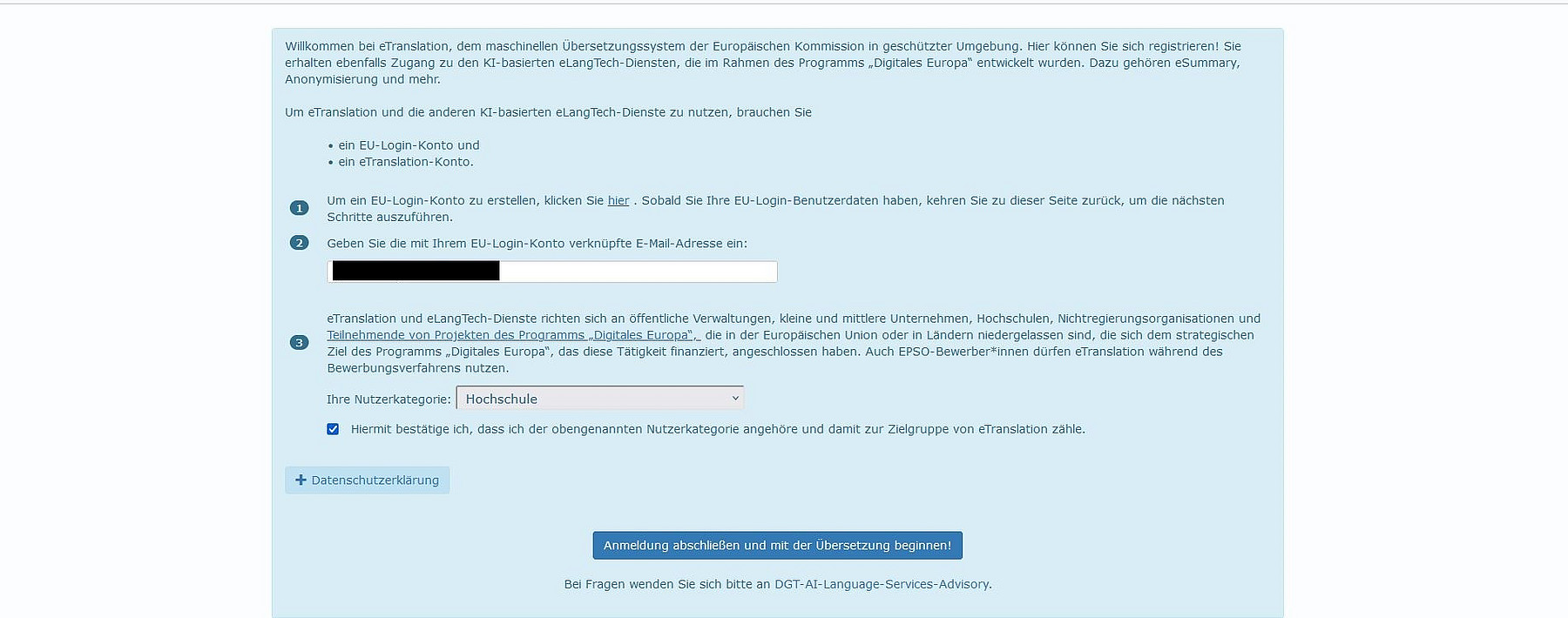
Enter your work e-mail address, which you also entered during registration, in the empty field and select "University" under "Your usage category". Here you have the opportunity to view the privacy policy and then click on "Complete registration and start translation!".
Utilization
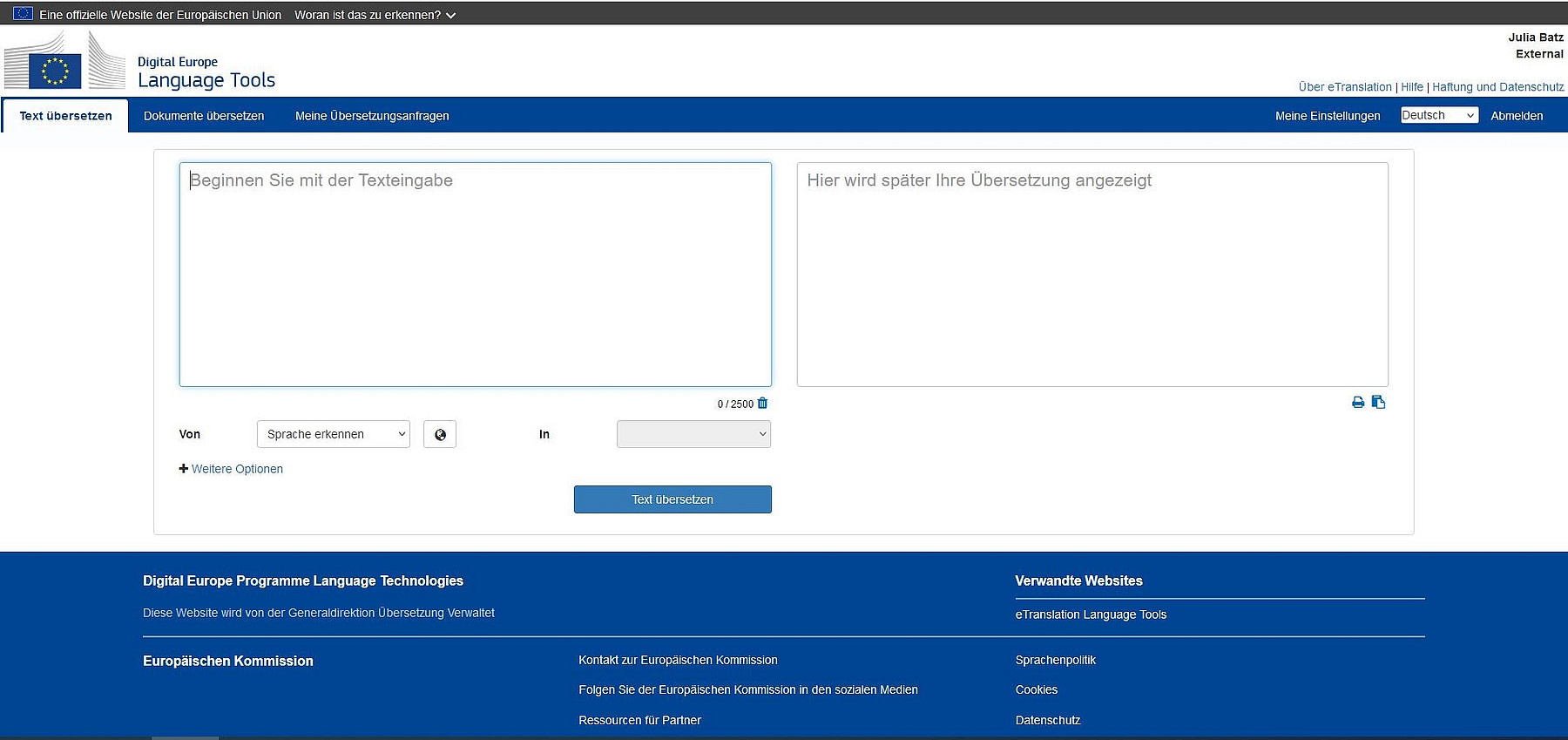
After registering with eTranslation, select what you would like to have translated:
- Translate documents - upload one or more documents individually or simultaneously
- Translate text - enter or insert a short text
- For an optimal translation, select the appropriate language style (range) from the drop-down menu.
System features
- High security: All data processed by the system remains within the Commission's firewalls and is not accessible to outsiders
- Available languages: All official EU languages plus Arabic, Chinese, Icelandic, Japanese, Norwegian, Russian, Turkish and Ukrainian
- Different translation styles ("fields"): Formal EU language, general language, financial language, etc.
- Supports all common file formats such as PDF
- Can provide Tmx or Xliff files for professional translators
Privacy policy
By registering, you agree to eTranslation's privacy policy.
You can find the official data protection information at https://ec.europa.eu/dpo-register/ [external].