

Mailing list use under Sympa
Contents
General
Here you will find all necessary information for users of the mailing list service Sympa of the University of Kassel, which provides a centrally organized distribution list for e-mails.
An overview of all public list names offered by Sympa can be found on the main page of the list server.
If you cannot find out exactly which list it is, please contact listsmaster[at]lists.its.uni-kassel[dot]de
How do I sign up for a list?
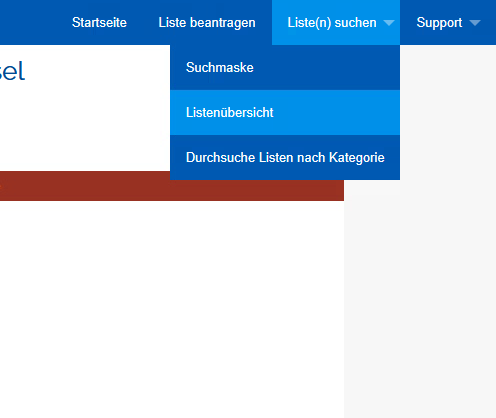
You can view all public lists on the < https://lists.its.uni-kassel.de > page.
To do this, click on the "Search list(s)" and list overview option at the top right.
Select the appropriate mailing list.

Then click on the "Subscribe" selection in the left-hand box.

Now enter your name < e.g., IT Service Center > in the empty field and click the “Subscribe to the list …” button.

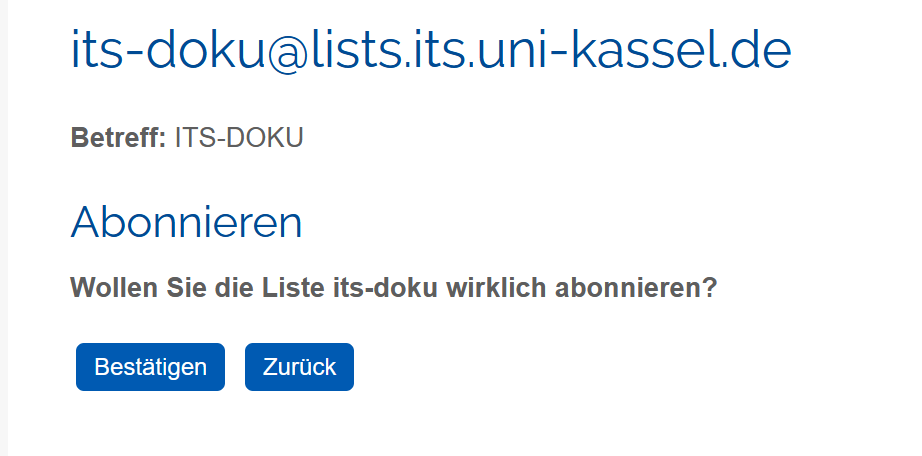
Finally, you will be asked to confirm your subscription again. To do this, click on "Confirm".
How do I unsubscribe from a list? Option 1
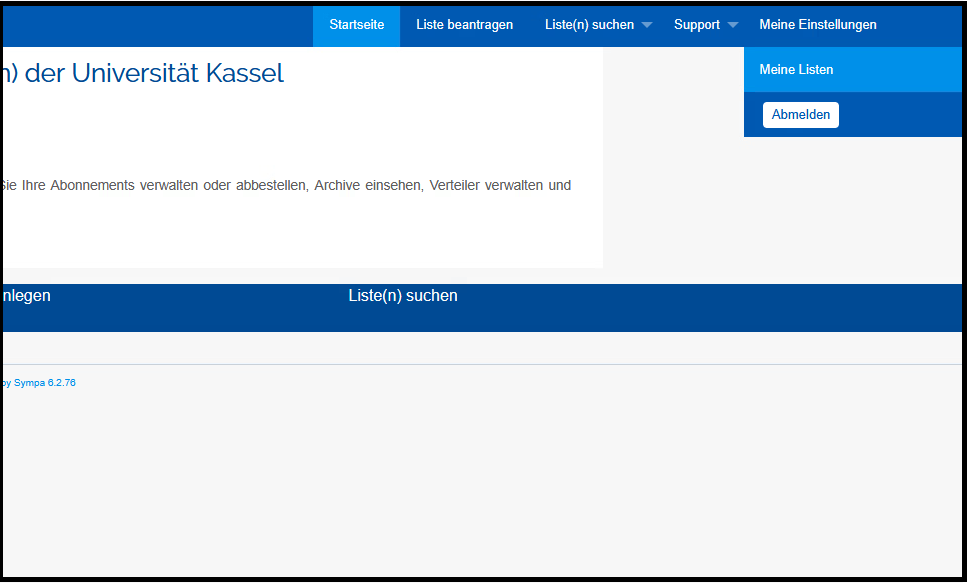
You can view all subscribed lists on the < https://lists.its.uni-kassel.de > page.
To do this, click on the option "accountname@uni-kassel.de" and "My lists" at the top right.
Select the appropriate mailing list.

Then click on "Unsubscribe" in the box on the left.

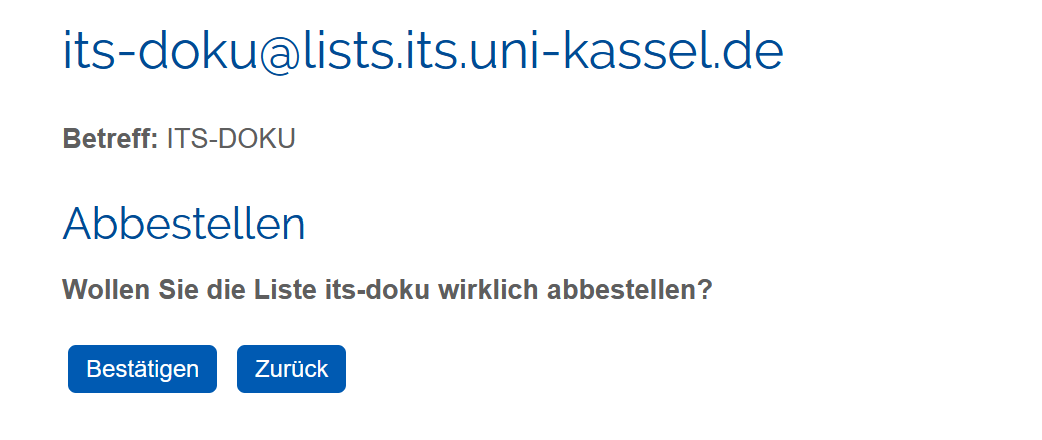
Finally, you will be asked again to confirm your unsubscription. To do this, click on "Confirm".
How do I unsubscribe from a list? Option 2
You can view all subscribed lists on the < https://lists.its.uni-kassel.de > page.
To do this, click on the "Search list" option and search mask at the top right.
Note: If the list you are looking for is not available there, it is not public, i.e. the list administrator does not want to make it public or it does not exist at all.
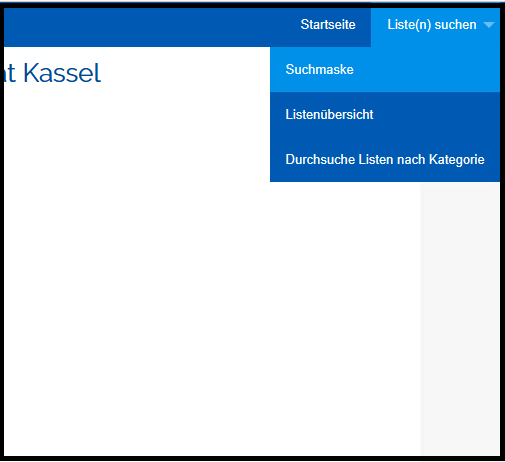
Enter the list you are looking for in the search bar

Select the appropriate mailing list.

Then click on "Unsubscribe" in the box on the left.
Finally, you will be asked again to confirm your unsubscription. To do this, click on "Confirm".
How do I send an e-mail to the entire list?
To send an e-mail to the entire list, send the e-mail from the desired sender address to listenname[at]lists.uni-kassel[dot]de.
Write in and write out to lists by e-mail
Alternatively, you can also register on the University of Kassel's various mailing lists by sending a simple e-mail.
| Enrolment/Registration | Register/deregister |
| Send an e-mail to LISTENNAME-subscribe[at]lists.uni-kassel[dot]de | Write an e-mail to LISTENNAME-unsubscribe[at]lists.uni-kassel[dot]de |
Replace "LISTENNAME" with the real name of the list. The content of the e-mail does not matter.
Note: Please do not write directly to the list address <e.g. e.g. its-doku@lists.its.uni-kassel.de> to unsubscribe from the list. Please enter the addressee according to the specifications above to unsubscribe from the corresponding list.
"I have registered using the form, but I am not receiving a confirmation email"
Please check the output of the web form carefully. Has your application been submitted correctly?
Please note that you may only register on some lists with the consent of the list administrator. It may therefore take some time to confirm your application.
Are you having difficulties with the web interface? Then you can alternatively register by e-mail.
If you have any questions, please contact the list administrator directly - they will be happy to add you to the list manually.
Go-Link for this page: https://www.uni-kassel.de/go/maillisten-nutzung-sympa and https://www.uni-kassel.de/go/maillisten-nutzung