

Microsoft account password reset
Reset your Microsoft account password
If you have forgotten your Microsoft account password, you can reset it yourself using the contact details you provided when you activated your Microsoft account.
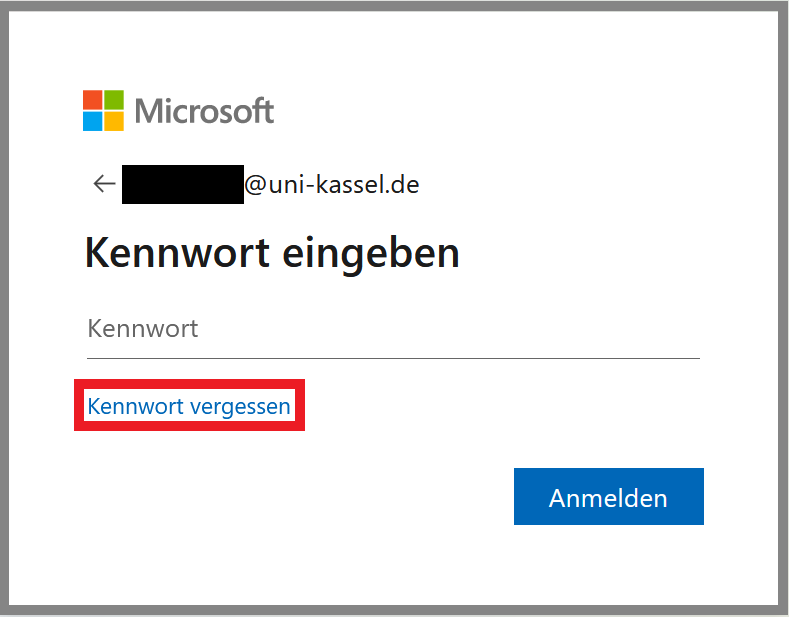
To do this, go to the website < portal.office.com > and enter the university e-mail address you used for the Microsoft account as the user name (your preferred e-mail address at the time you applied for the Microsoft account). Click on "Next" and in the next step on "Forgot password". Enter the university e-mail address used here and solve the captcha.
You can then choose to receive a reset code either via a private e-mail address or via a mobile phone number.
Enter the code you have received on the website and then set a new password for the Microsoft account.

If you do not have any personal contact details for the password reset, please contact < ms-portal[at]uni-kassel[dot]de > stating your uk number and the preferred email address you use for the Microsoft account.
Go-Link of this page: https://www.uni-kassel.de/go/microsoft-passwort