Access for external persons (without UniAccount)

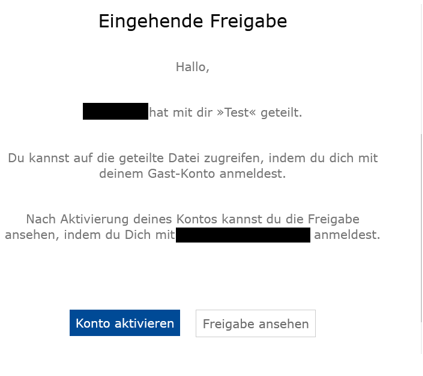
If you have been invited as a guest, you will receive an email from next.hessenbox@uni-kassel.de with a link to activate your account.

Please note that as a guest you can use next.hessenbox without your own quota and therefore only have access to the shared content.

Information on how a folder can be shared with you as a guest can be found under Instructions for use.

Activate account

Open the e-mail and click on "Activate account". You will then be redirected to the next.hessenbox registration page.
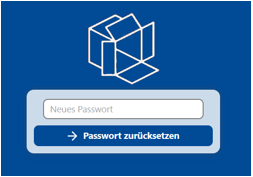
Then assign a password and save it.


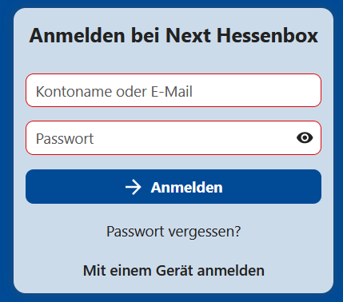
After activating your account, log in with your e-mail address and the password you have chosen.
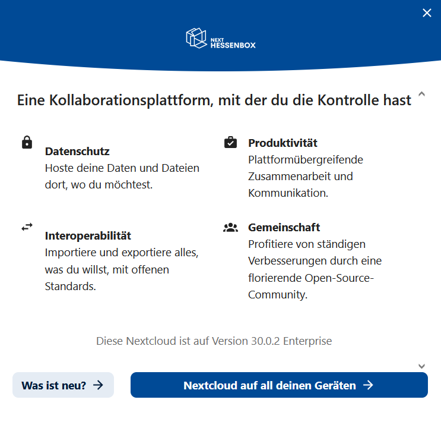
After logging in, an information window will appear.

You can close it at the top right after you have read the information.
Finally, accept the terms of use to continue. You cannot use the next.hessenbox without confirmation.
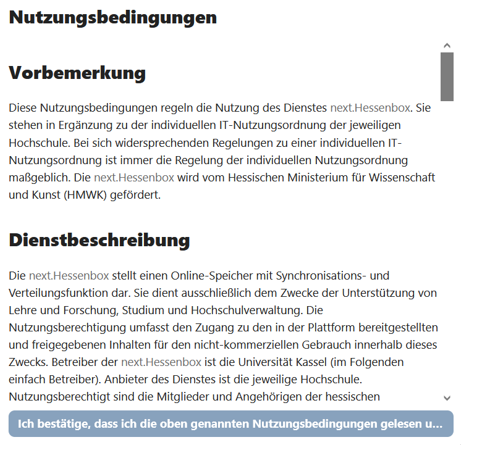
Registration

After logging in, you will have access to the shared folder.


For future registrations, please use the log-in interface for guest accounts of next.hessenbox [external].