

Groups
Contents
Groups are used to guarantee access to certain services and resources. For example, you can use a group membership to gain access to a shared network drive.

Application for groups
Employees of the University of Kassel have the opportunity to apply for groups.
This is done via the Identity Management of the University of Kassel.
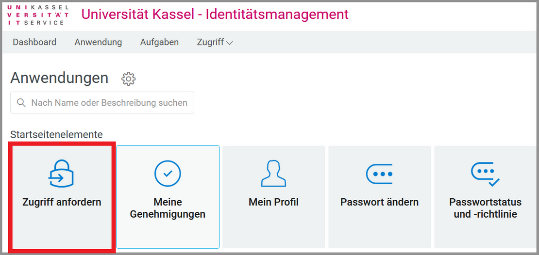
Log in to Identity Management with your primary account and click on "Request access".
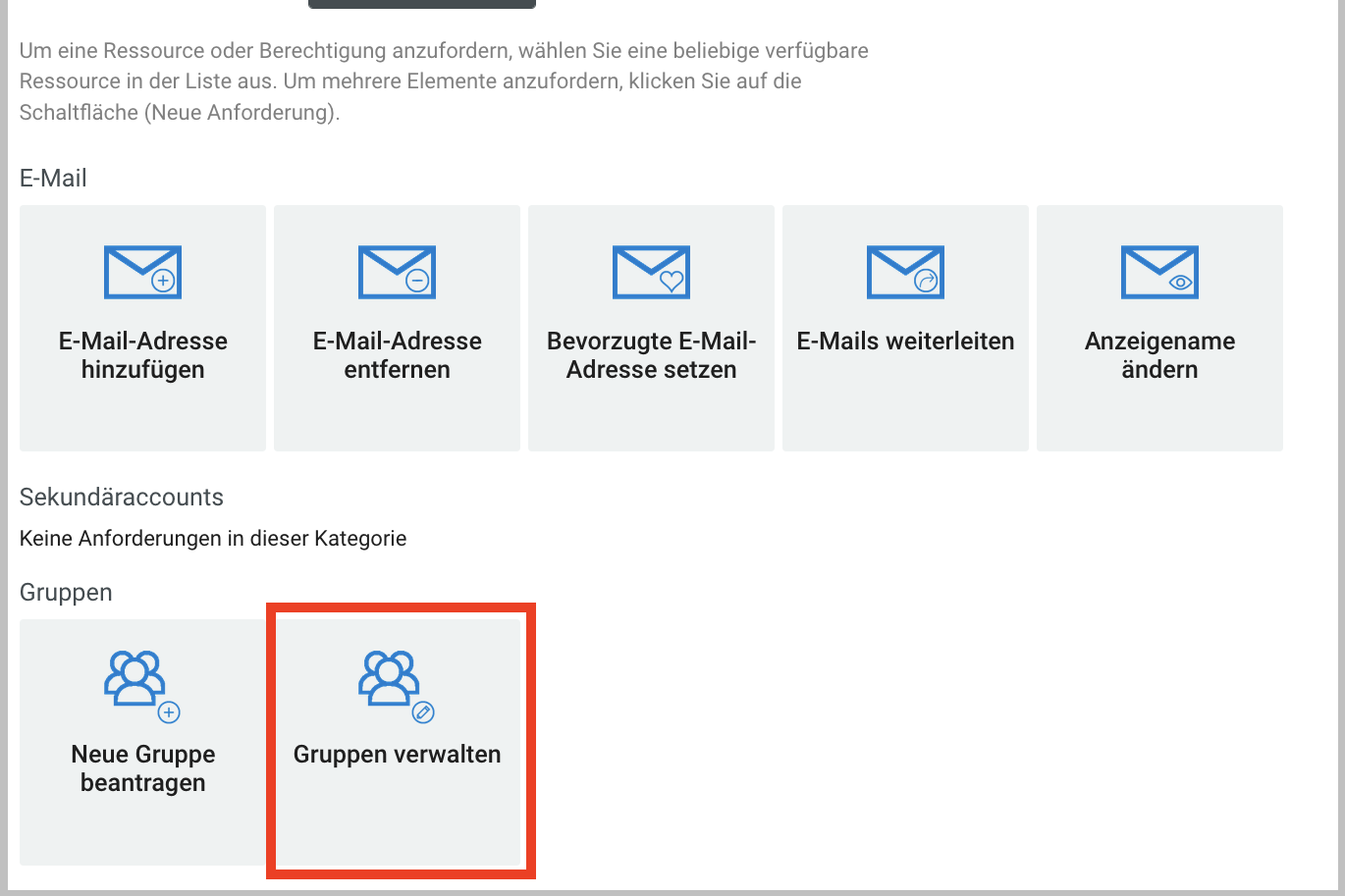
Then scroll to the "Groups" tab and click on "Request new group"
A new browser window will open.

If nothing happens after clicking on the tile, your web browser is probably blocking the pop-up window that should actually open. Please make sure that your web browser allows the opening of pop-up windows for userapp.its.uni-kassel.de.
In Mozilla Firefox, for example, you will see a message and an option to allow the pop-up window directly below the address bar.
Fill in the form with the relevant data and then click on "Send".
Note: If the group you have requested is to be created in Exchange (Outlook address book), please send a short message by e-mail to "ttsmail[at]uni-kassel[dot]de" including the group name!
Group management
Groups can also be managed by the administrator via Identity Management.
To do this, click on the "Request access" tile.
Then scroll to the "Groups" tab and click on "Manage group".
The following options are available for managing groups:
- Add group members
- Delete group members
- Add group administrators
- Delete group administrators
- Change group description
Go-Link of this page: https://www.uni-kassel.de/go/gruppen