

UniAccount (user account / authentication)
Overview
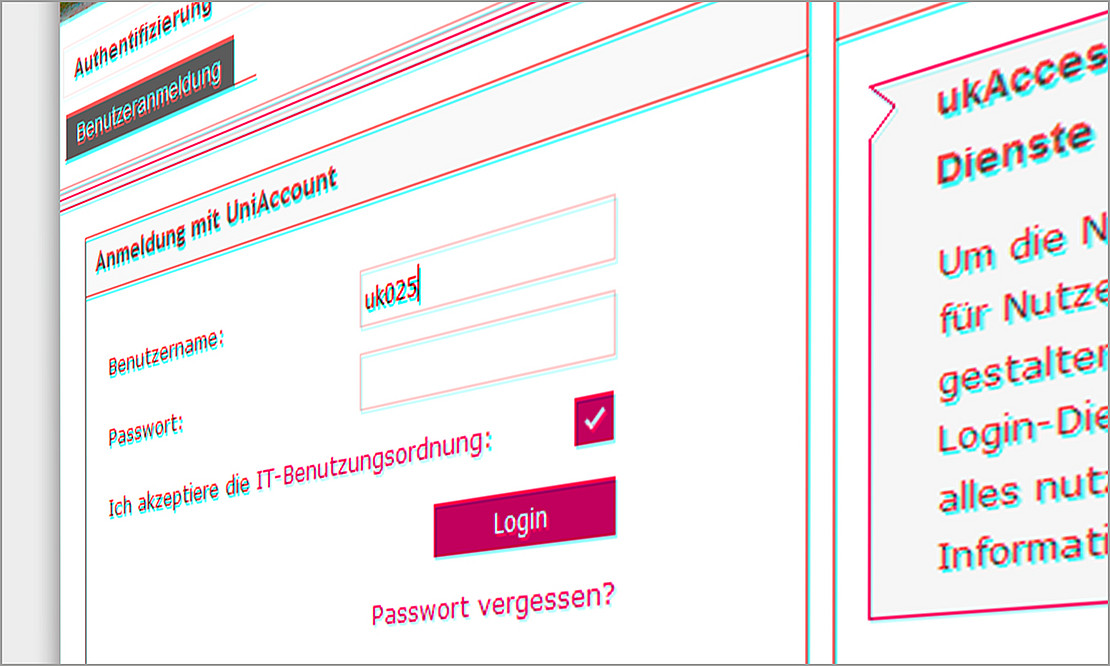 Image: University of Kassel
Directly to:
1. basic information
The UniAccount is the central digital identity for using almost all IT services at the university - including Wi-Fi, email, HISinOne, Moodle, VPN, cloud services and many other systems.
The UniAccount is available to all members of the university, i.e:
students
lecturers
Employees
as well as guests and project team members with a temporary requirement
The service is operated and managed by the IT Service Center.
2. brief description
The UniAccount is a personal, central access to the university's digital services. It consists of an account name (user ID) and a password. Authorized persons can use this account to access numerous systems and IT services.
There are no alternative types of access. The UniAccount is the prerequisite for using almost all IT services.
3. main functions
- Centralized access to IT services: One login for many systems such as WLAN, Moodle, VPN, e-mail, cloud services, etc.
- Self-service portal: Password change, application and administration of accounts, groups, e-mail and other services.
- Role-based authorization management: Rights and access are automatically assigned based on the role at the university (e.g. students, employees, lecturers).
4th deployment scenario
Students use their UniAccount to log into Moodle, download lecture notes and take online exams.
Employees use their UniAccount to log in to their work PC, configure their email client or use VPN for secure access from home.
5. technical requirements
Internet access to use the self-service portal and services.
Depending on the service: Compatible browser or VPN client.
6. use and access
Students receive the UniAccount automatically after enrolment, employees after the start of their employment.
Access data is communicated via a secure transfer method.
Password changes and administration of settings are possible via the self-service portal.
7. support and contact
| Name, Forename | Contact | |
|---|---|---|
| IT-Servicedesk First point of contact for all support requests | Telephone +49 561 804-5678 Email it-servicedesk[at]uni-kassel[dot]de Support Submit ticket (recommended) |
8. instructions and further links
- General information
- Application and term
- Activation/activation
- E-mail address and PO box
- Secondary accounts
- Guest accounts
- Password reset in self-service
- Password security
- Password and password information
- Procedure in the event of a login lock
- Change display name in IDM
- Group mailbox
- Shared network drive
- Groups
- FAQ - Groups
- FAQ - UniAccount
No training courses are currently offered.
9. special notes (data protection, terms of use)
Personal data is processed in accordance with the requirements of the GDPR.
Access to particularly sensitive data via VPN requires the use of two-factor authentication.
Access to personal data is role-based.
The use of the UniAccount is linked to membership or collaboration at the university.
Guest and project accounts are limited in time.
The usage guidelines for the university's IT systems apply.
Status: March 2025
Go-Link of this page: https://www.uni-kassel.de/go/uniaccount