

Search tickets
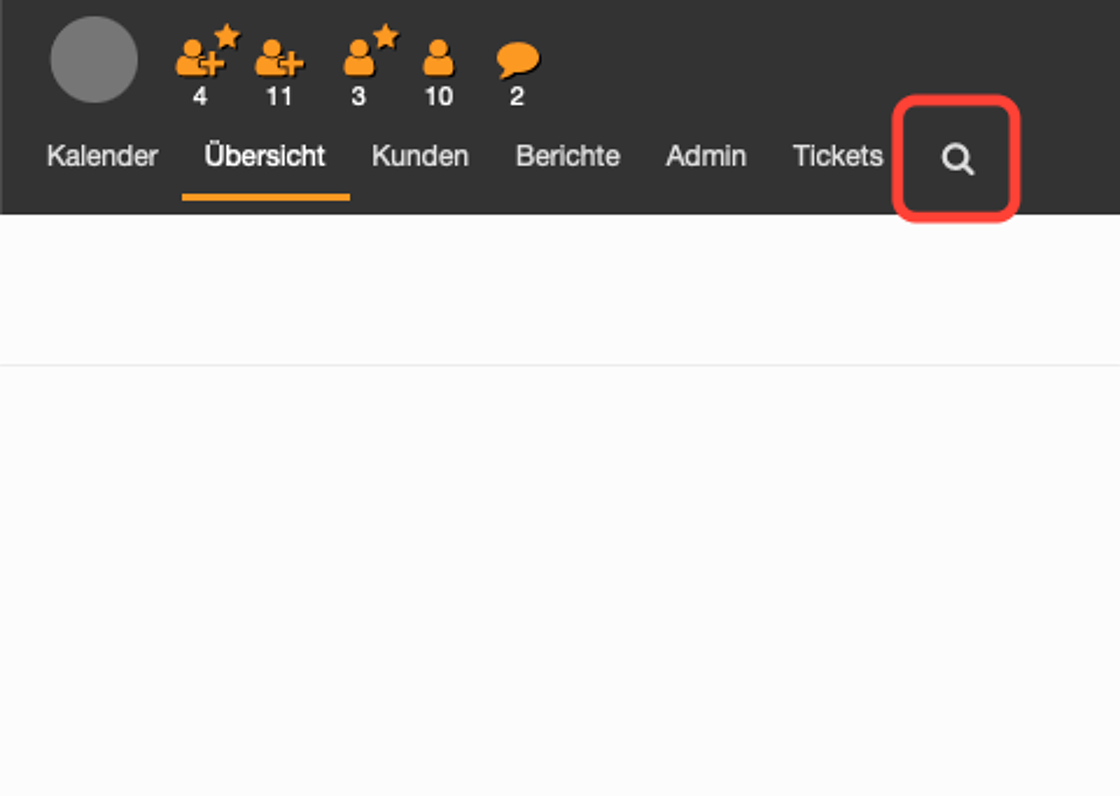
The search for tickets is started using the magnifying glass.
Various filters can be used under "Filters used".
The ticket number can either be entered in full or only the last four digits, including the * character first (e.g.: *1234). The full text searches the complete content of all tickets for the searched word; names can also be entered here.
The customer number here always means the e-mail address of a person. In the complex search, this can be entered in full or also with * characters and only partially.

If additional filters are to be used, these attributes must be added after each search. To do this, click in the field and select the attribute you want to search for. This then automatically moves to "Filters used" and can be filled in.
Finally, start the search by clicking on the corresponding button.

Go-Link of this page: https://www.uni-kassel.de/go/tickets-suchen