Installing the backup software under macOS
Before you can set up your client, you must have a valid login to the backup service.
Download the software
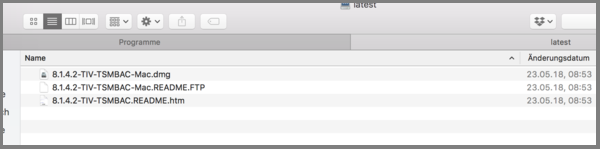
Download the latest version of the backup client of the University of Kassel:
http://ftp.hrz.uni-kassel.de/pub/misc/tsm/mac/latest/
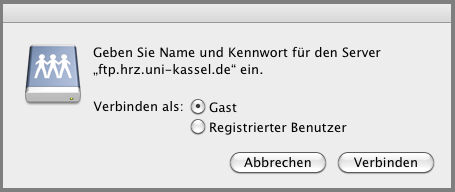
If the Finder wants to connect to the FTP server, click on "Guest" and then on "Connect"
Installation
Open the image file with the extension .dmg and start the installation by double-clicking on the installation package with the extension .mpkg.