Create calendar group
The content on this page was translated automatically.
You can create a new calendar group to group calendars according to your preferences.
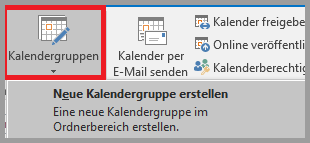
To do this, click on "Calendar groups" and "Create new calendar groups" at the top.
Now enter the name of the group.

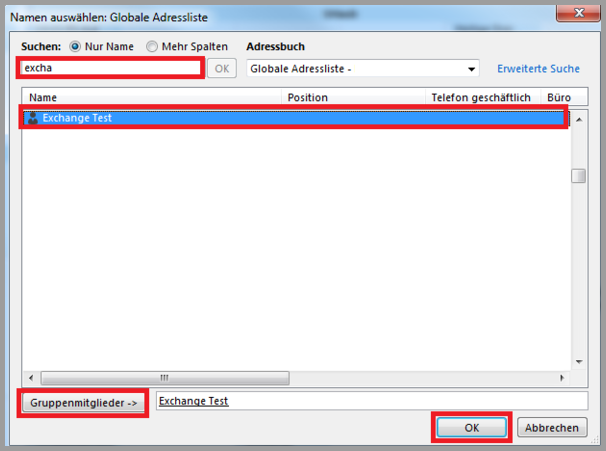
Next, please select the members of the calendar group.
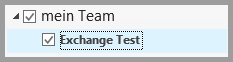
You will now find the newly created calendar group on the left.
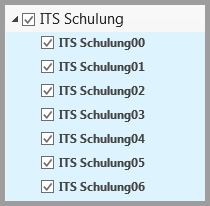
If there are groups for your area in Exchange (please ask your IT manager about this), you can add this group. A new calendar group is automatically created and the calendars of the group members are inserted.
To do this, go to "Open calendar" and "From address book".
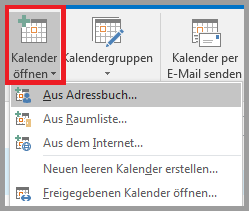
Then select the corresponding group.

The new group with the calendars of your members is now created.