

next.hessenbox under Android
The content on this page was translated automatically.
On this page you can find out how to download and install the next.hessenbox app on your Android device.
Installation
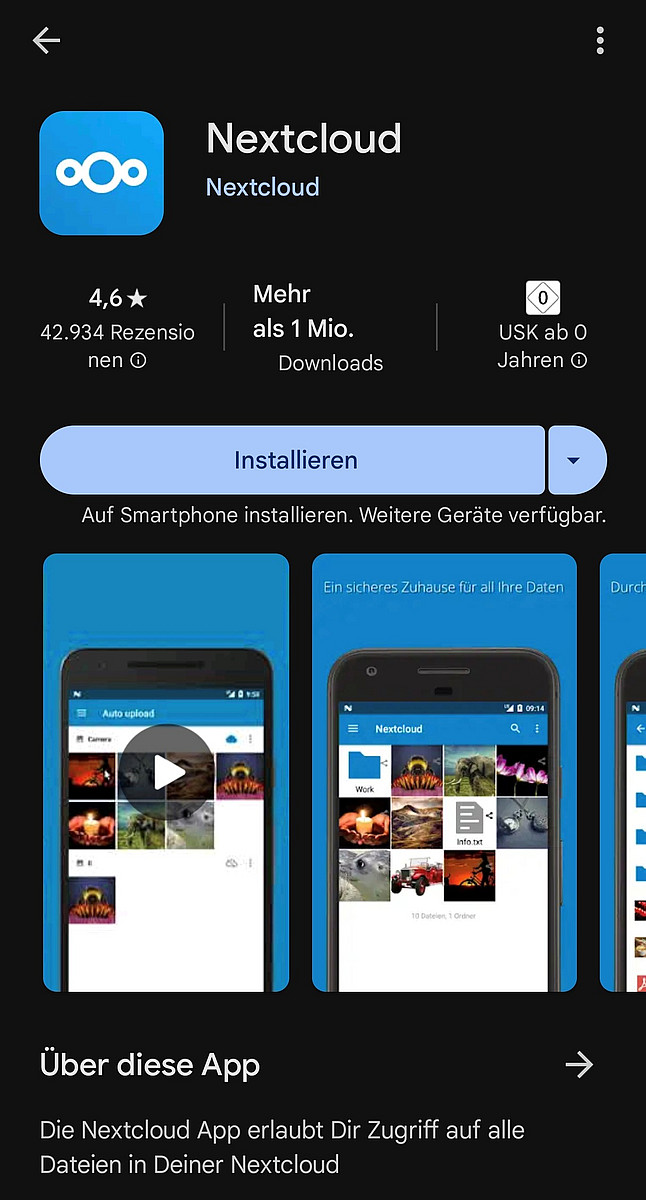
First, please download the Nextcloud app from the Google Play Store. Please open it afterwards.
Registration and setup
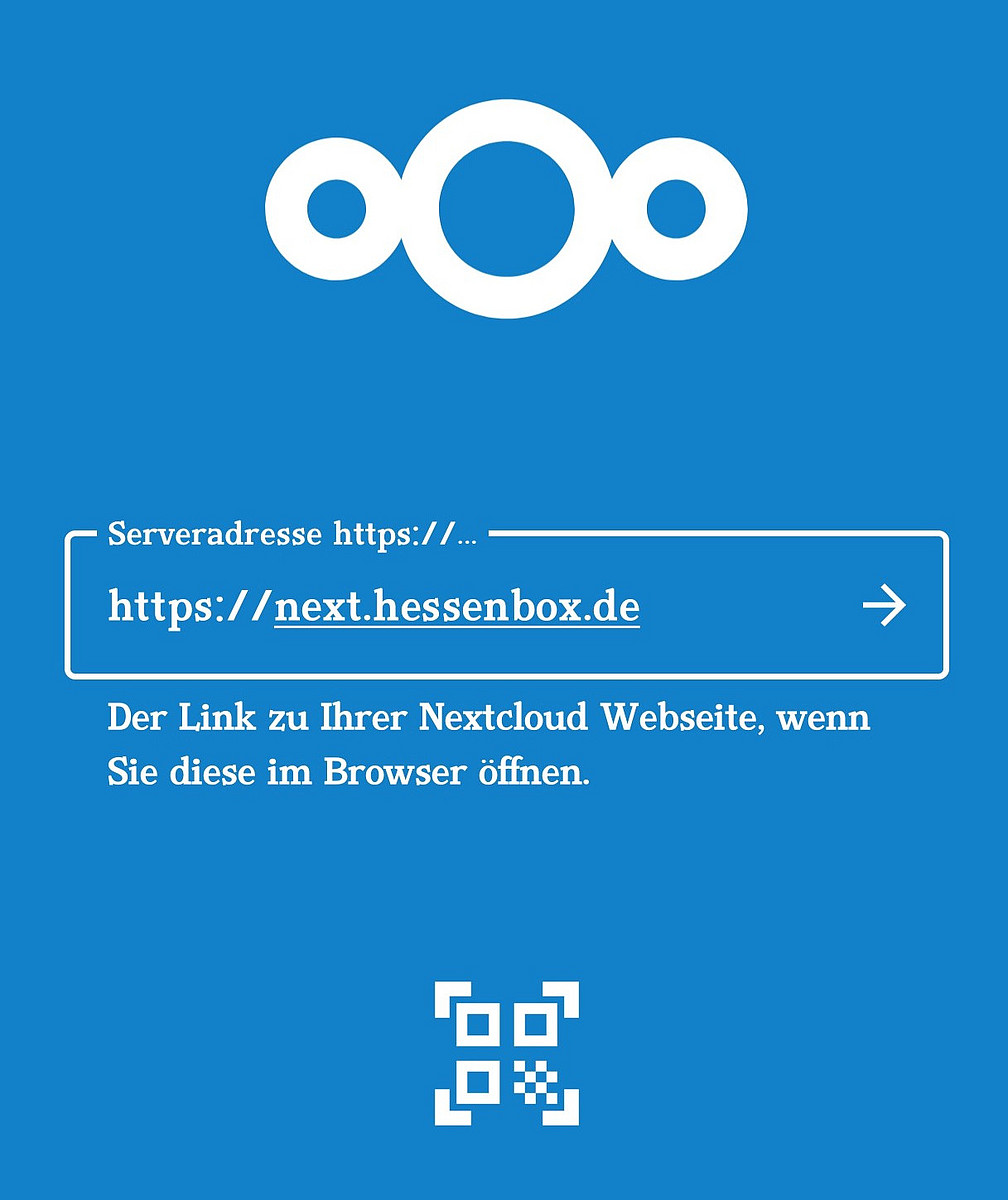
Once you have opened the app, please enter the server address<https://next.hessenbox.de> in the text field.
Then tap on the arrow pointing to the right.
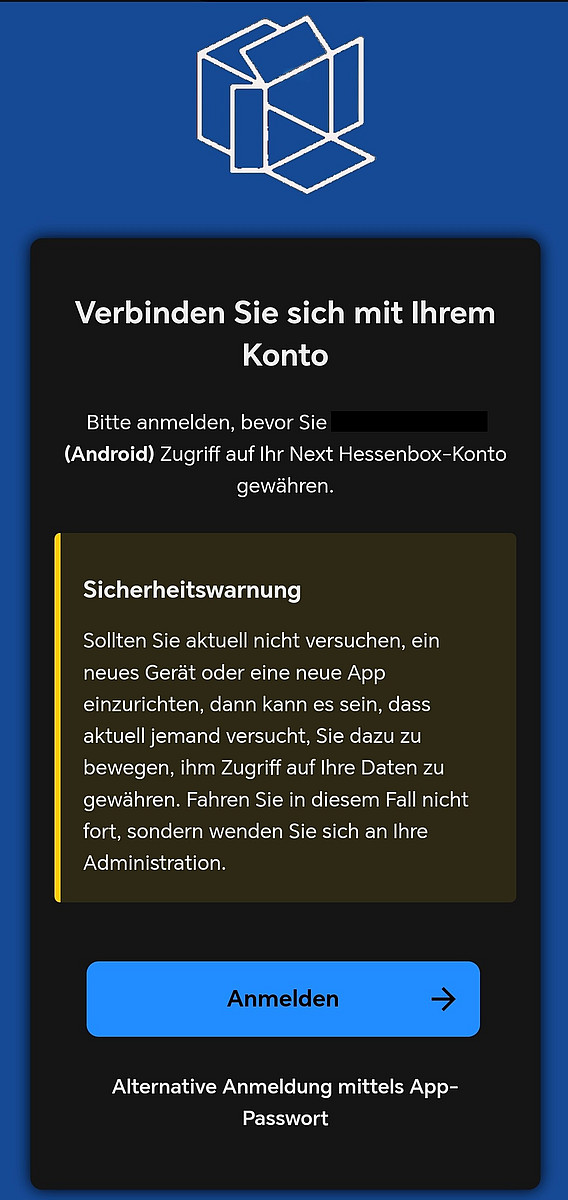
You will now be asked to log in. You will also be shown the device name and the operating system under which you are trying to log in.
Please check whether the data displayed matches your login so that you do not give anyone else access to your data.
If everything is correct, please tap on "Log in".
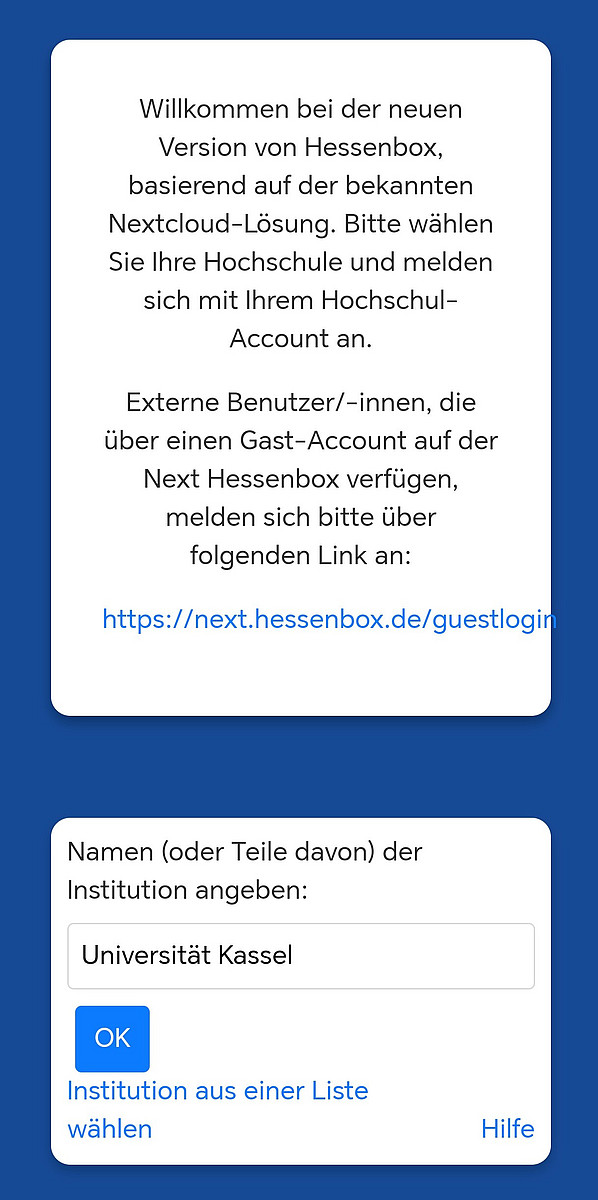
You will be redirected to another window that asks you to enter an institution.
You can either enter "Universität Kassel" manually or tap on "Select institution from a list" and then select the University of Kassel.
Once you have entered the University of Kassel in the text field, please tap on "OK".
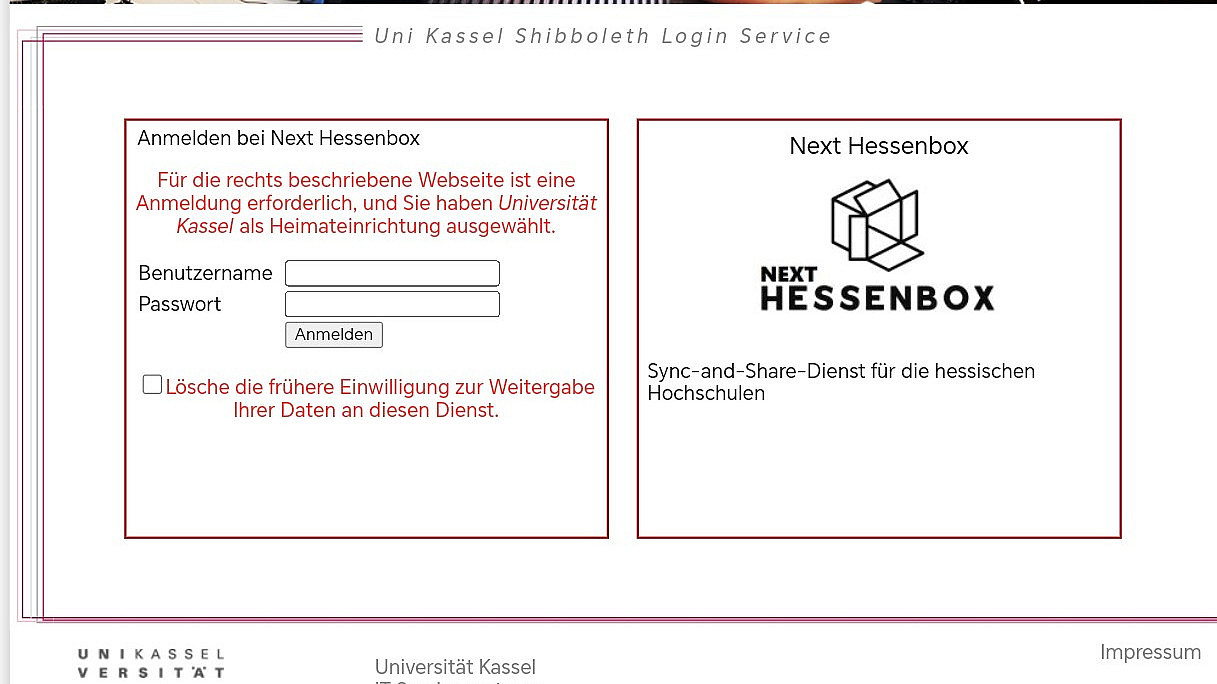
In the next step, please log in with your UniAccount (<ukxxxxxx>) and the corresponding password.
Then click on "Login".
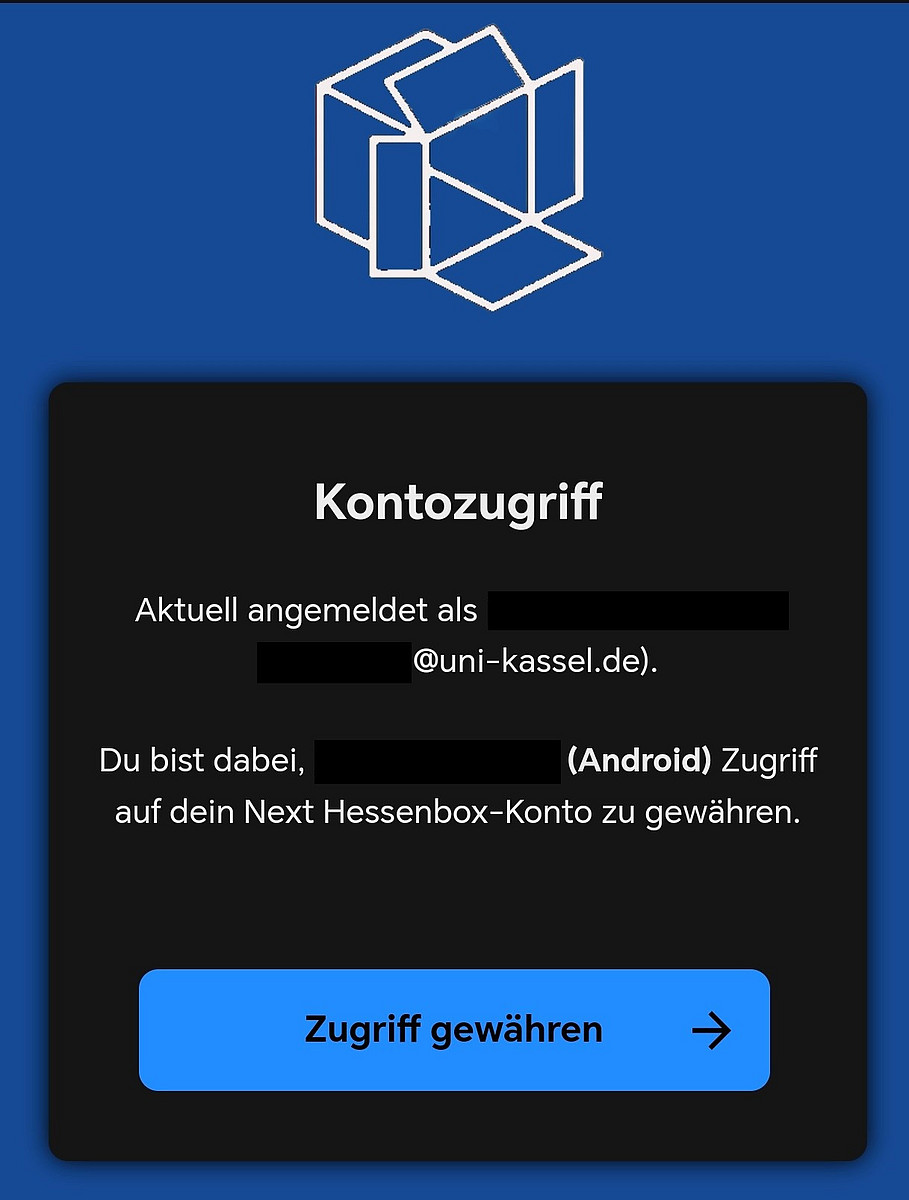
You will then be redirected to the following page. You will be shown which account you have logged in with and which device you want to grant access to.
Please check the information shown and if everything is correct, please tap on "Grant access".
After you have granted access, the app will ask you for storage permissions. Select the option you prefer.
You may also be asked whether next.hessenbox is allowed to send you notifications or not. Select your preferred option here too.
Once you have completed these steps, you can use the app.
