

Access to the next.hessenbox
The content on this page was translated automatically.
The next.hessenbox is available to all students and employees of the University of Kassel. A UniAccount of the University of Kassel is required. You can use the Sync & Share service both via a client and via a browser.
next.hessenbox - Clients
Clients for Windows, Linux, and macOS, as well as apps for Android and iOS, can be found at: https://nextcloud.com/de/install/ (External link)
The client is pre-installed on devices managed by the IT Service Center (UniKasselClients—UKCs).
Installation and setup of the next.hessenbox:
next.hessenbox - Web access
Go to https://next.hessenbox.de and first select your university.
You can search directly for the name of the university or select it from a list:
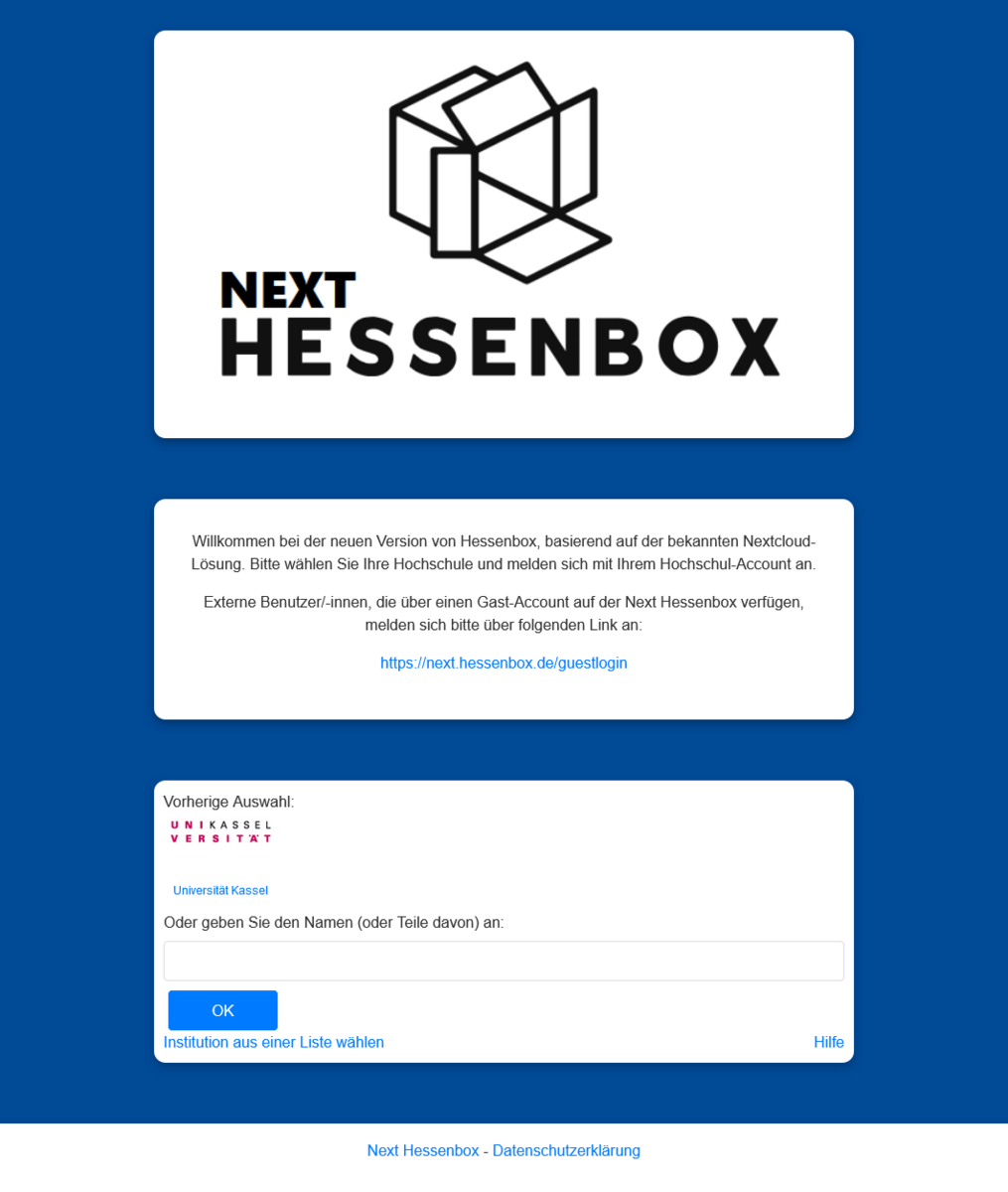
You will be redirected to a new page. Log in here with your UniAccount (<ukxxxxxx>):
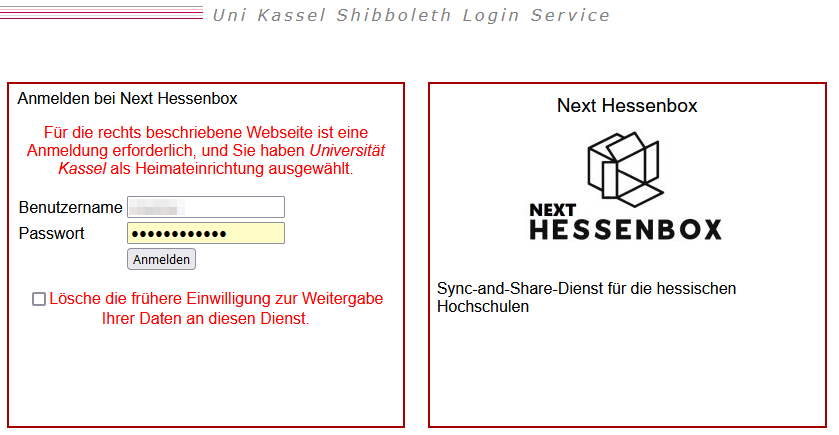
You will then be taken to the next.hessenbox homepage and can start using it immediately.

External users who have a guest account should log in via the following link:
next.hessenbox - WebDAV access
In addition to using the Nextcloud client, access via WebDAV is also possible.
To log in via WebDAV, you need a so-called app password. You create this in your next.Hessenbox account under "Settings → Security → Devices & sessions".
Use your regular login name for next.Hessenbox as the user name. The app password replaces your regular password when logging in via WebDAV.
You can find your personal WebDAV address under "Files → File settings (bottom left) → WebDAV". Use this URL to set up the connection in your WebDAV client.