

Use of the Jabber
Call forwarding
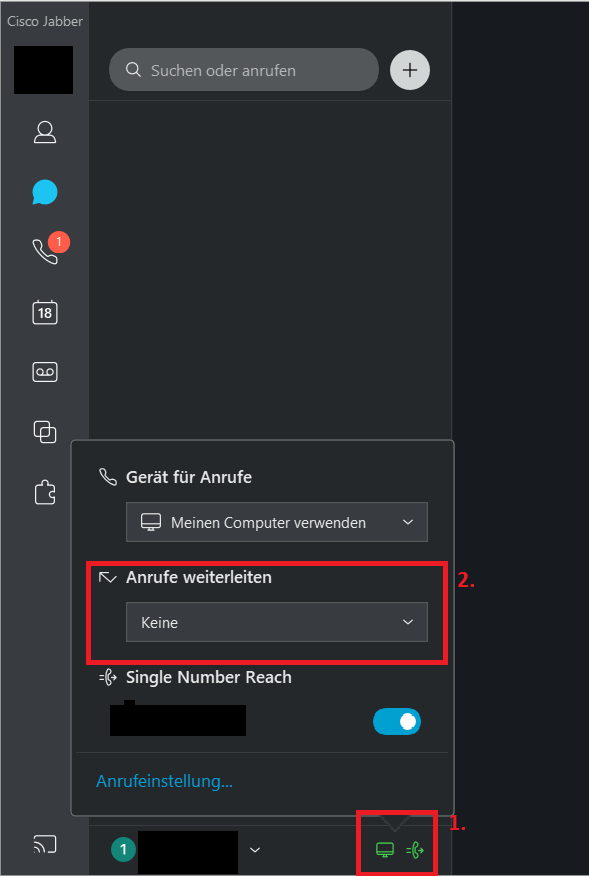
You can set your calls to be forwarded directly in Cisco Jabber. To do this, click on the icon at the bottom and then select the appropriate forwarding option under "Forward calls".
Alternatively, you can also forward calls via the phone web interface.
Making calls
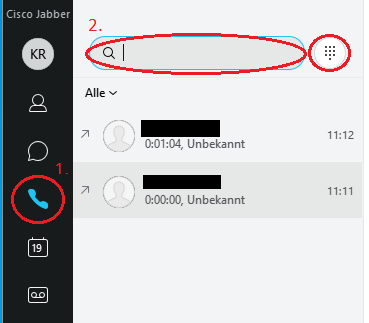
First open Cisco Jabber and enter the name or extension of the person in the search bar at the top.
Then select the relevant contact from the search results. Now click on the "handset icon" next to the name to start the call.
Functions during phone calls
Mute call
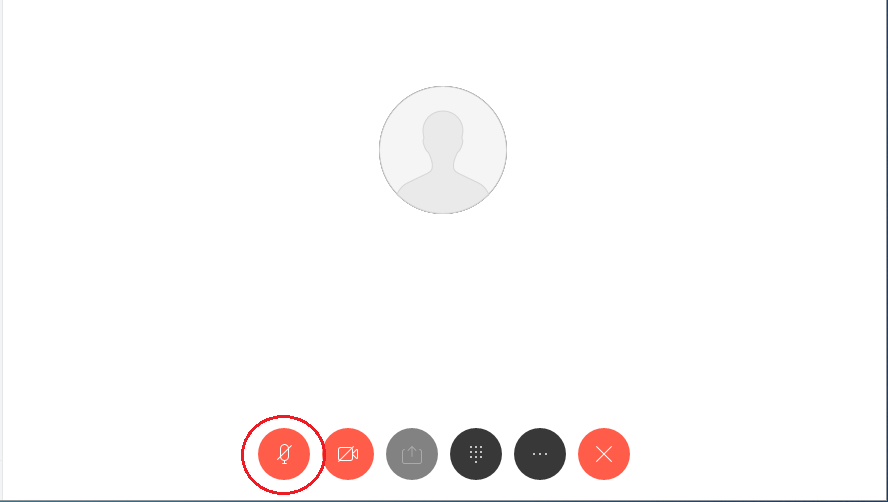
To mute your microphone during a call, click on the gray <microphone icon>.
If the <microphone icon> is displayed in red, your microphone is muted.
Forward call
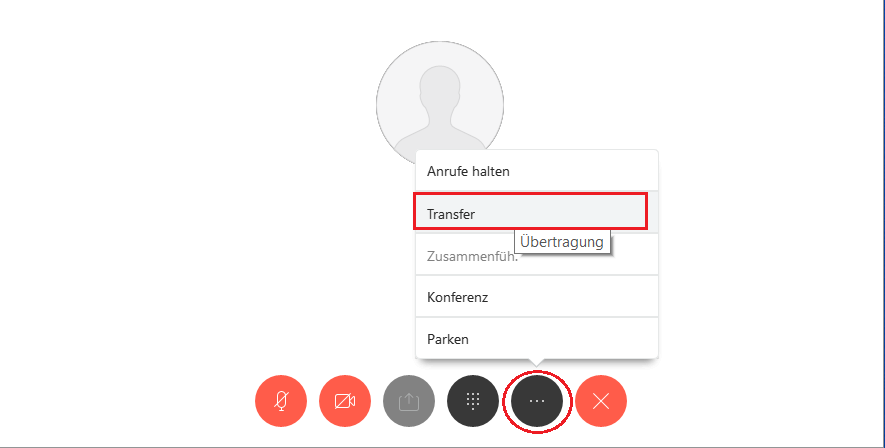
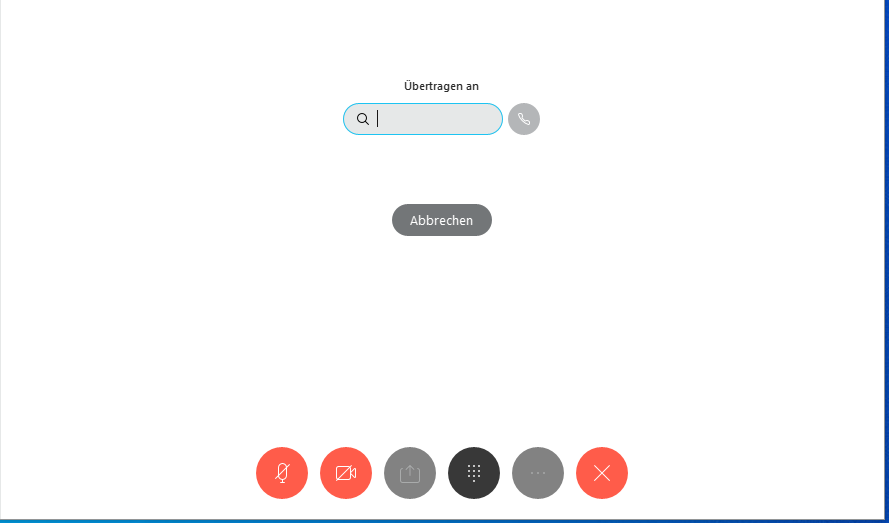
To transfer the call during the call, first click on the <Three-dot menu>.
Select the "Transfer" option.
Enter the name or extension of the person to whom you want to transfer the call.
End call
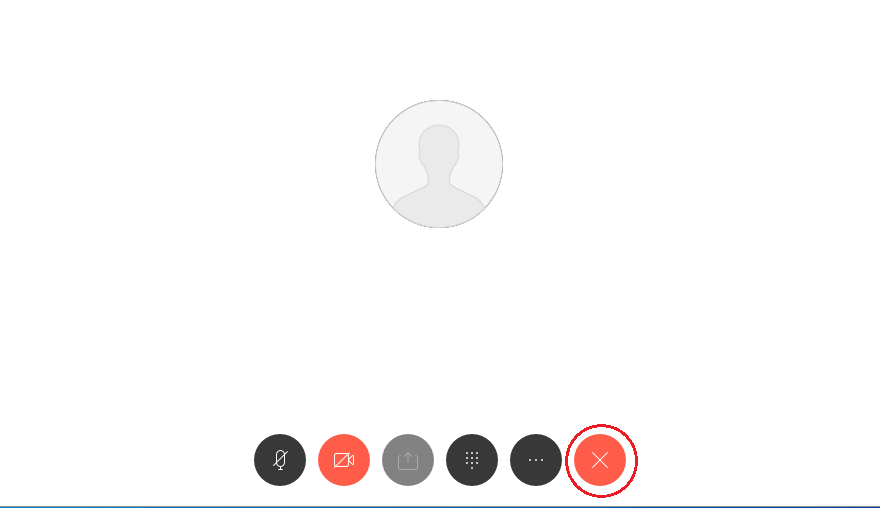
To end a call or a telephone conversation, click on the <red telephone receiver symbol>.
Go-Link of this page: https://www.uni-kassel.de/go/jabbernutzung