Schedule meetings via the web browser
The content on this page was translated automatically.
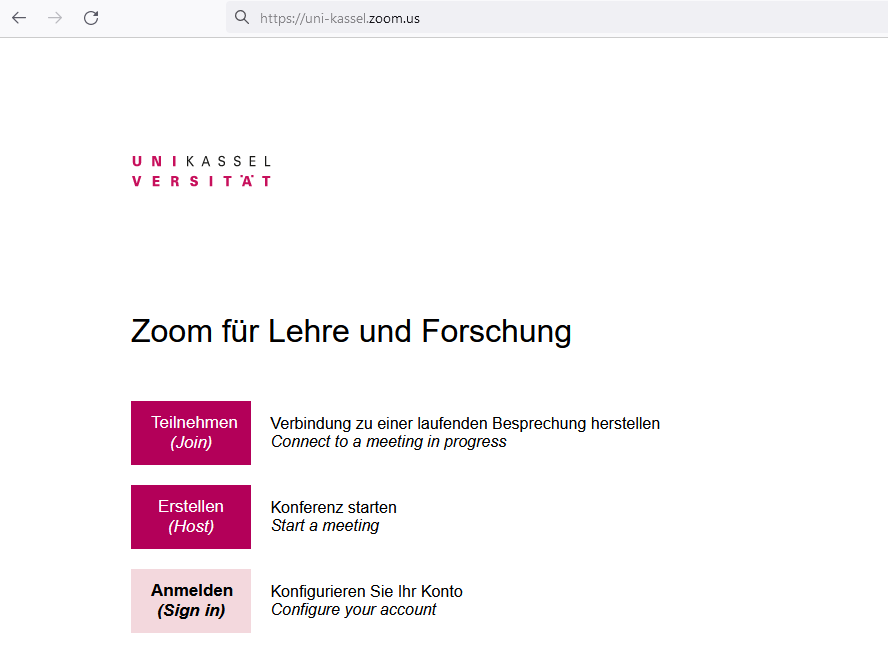
To schedule a Zoom meeting via your web browser, please go to the website uni-kassel.zoom-x.de and click on the Sign in button.
You will then be automatically redirected to the university's SSO website, where you enter the login details for your university account and then click on the Login button.

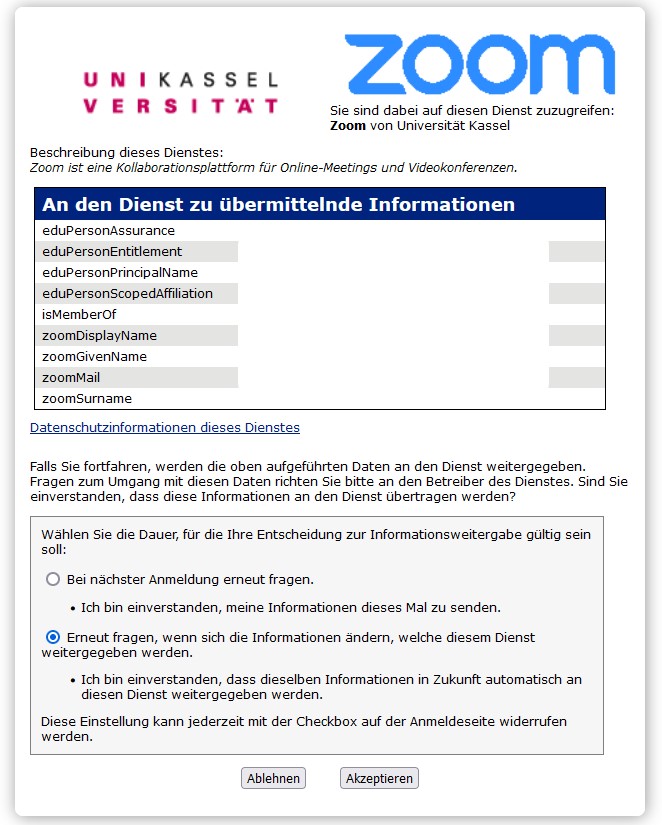
You will then be informed about the information that will be sent to the service. You confirm this by clicking the Accept button.
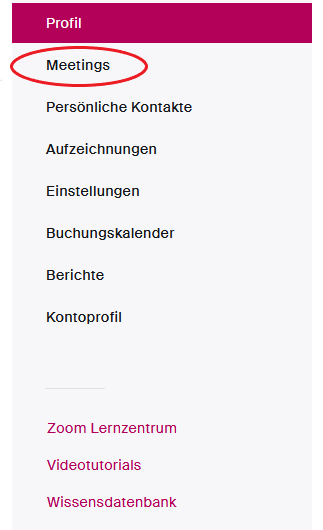
Then click on the Meetings option in the tab on the left-hand side.
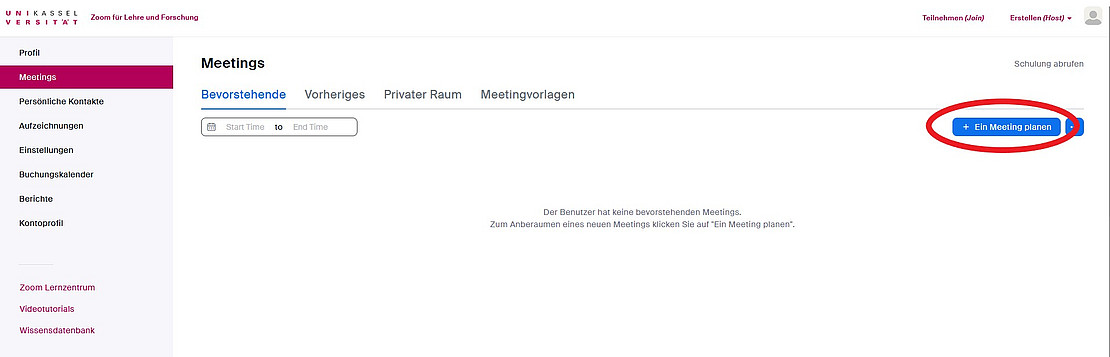
An overview of all upcoming and previous meetings is displayed on the following page. New Zoom meetings can be scheduled there using the + Schedule a meeting button.