

Create meetings with the Zoom plugin for Microsoft Outlook
The content on this page was translated automatically.
If you are logged into both the Zoom client and Outlook, click on the "Schedule meeting" icon in Outlook.

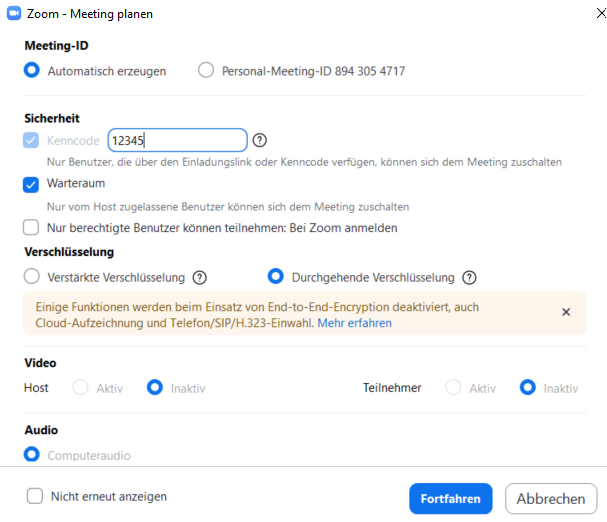
Next, select your desired meeting settings.
Click on "Save" to finish.
(copy 2)
Click on "Save" to finish.