

Requesting a group mailbox
The content on this page was translated automatically.
Contents
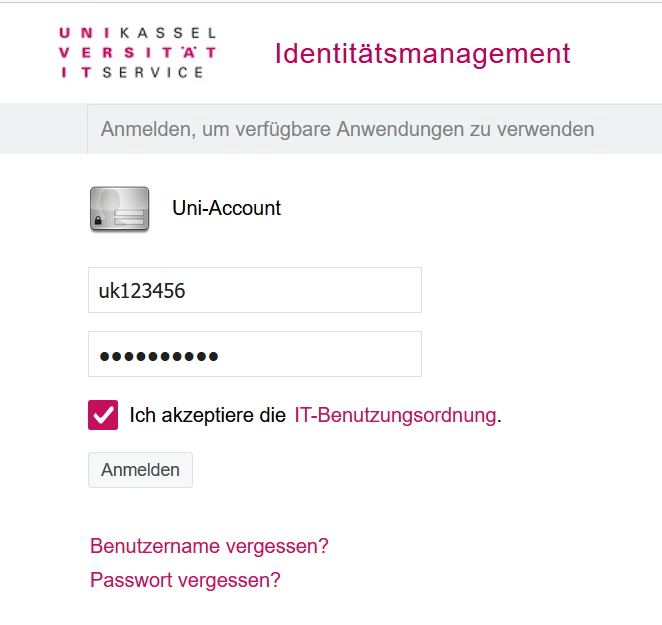
First open the IDM and log in with your UniAccount <ukxxxxxx> and the corresponding password.
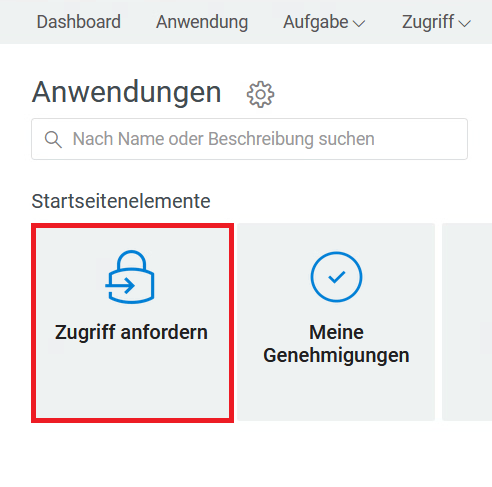
Now click on "Request access" to continue the process.
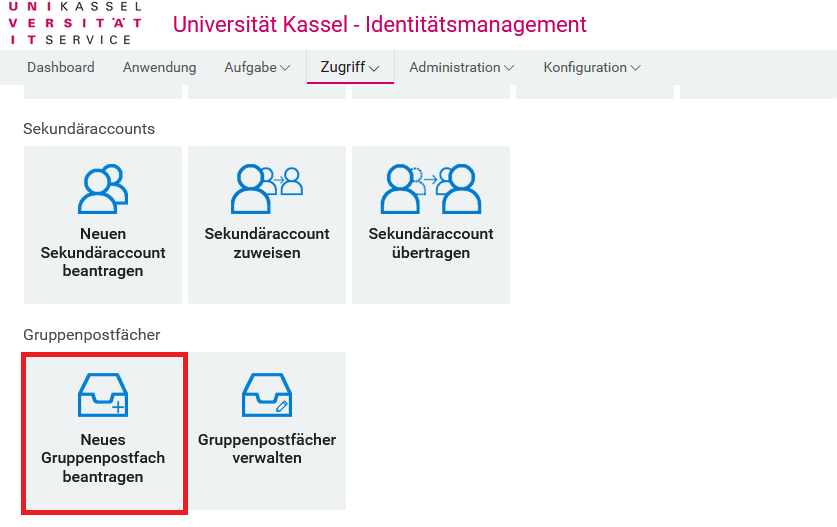
Next, navigate to the "Group mailboxes" tab and then select the "Request new group mailbox" option.
Please complete the following form fields. After you have sent the application, you will receive a confirmation e-mail.

This was only the application for the group mailbox. To be able to use this, you must add an e-mail address and members after successful application!
Managing a group mailbox
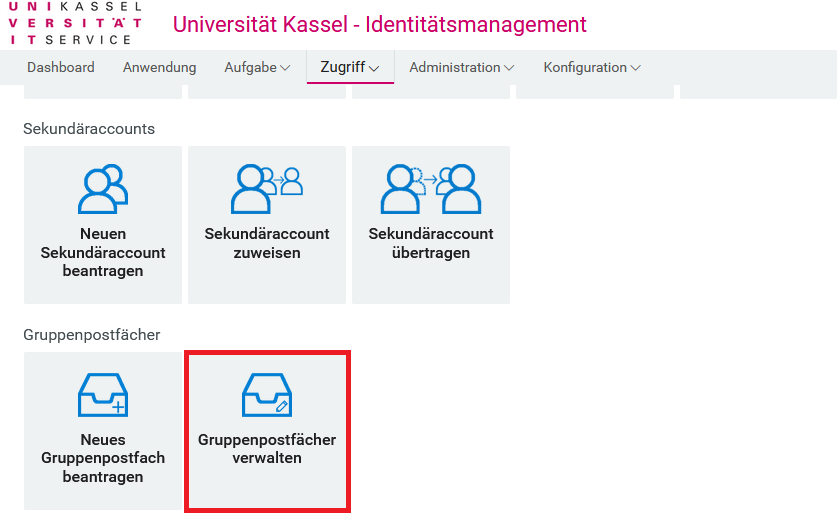
You have the option of setting up your group mailbox as you wish under "Manage group mailboxes".
To do this, first select the relevant mailbox and then the desired action.

Go-Link for this page: https://www.uni-kassel.de/go/gruppenpostfach-beantragen