

Book events without priority
The content on this page was translated automatically.
Contents
These instructions describe a "simple" assignment. If you require a booking procedure with priorities, please read these instructions. The"Events" tab offers various options for finding the desired events.
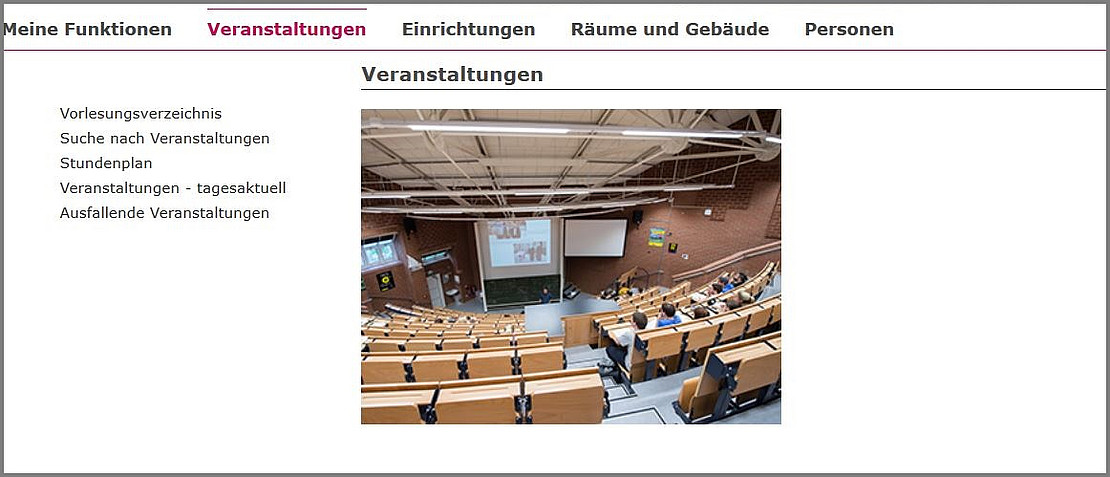
Search by event
Click on Search for events.
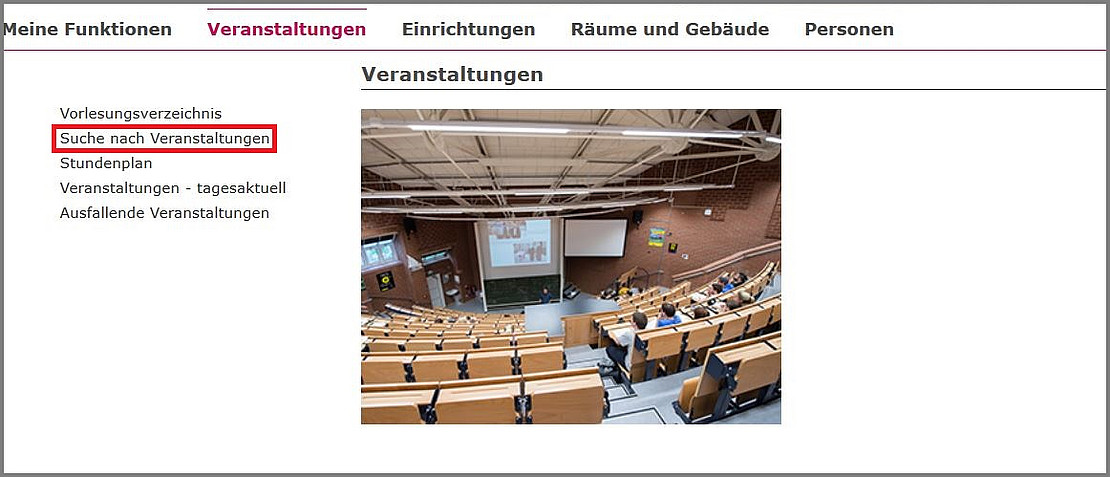
By entering various criteria in the search mask, you can search for a specific event. In our example, we are looking for all events that contain the text Introduction in the title.

The search result displayed will look like this:

Search in the heading tree of the course catalog
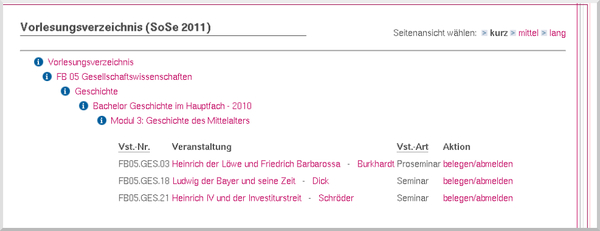
In the course catalog, you can click on the individual headings in the tree to find the courses for a specific degree program.
Book an event
Click on register/deregister to register for an event.

Click to apply for a place.

You will receive the confirmation as a result:

If several groups are specified for an event, only one group can be selected.
