

SharePoint (document management)
Overview
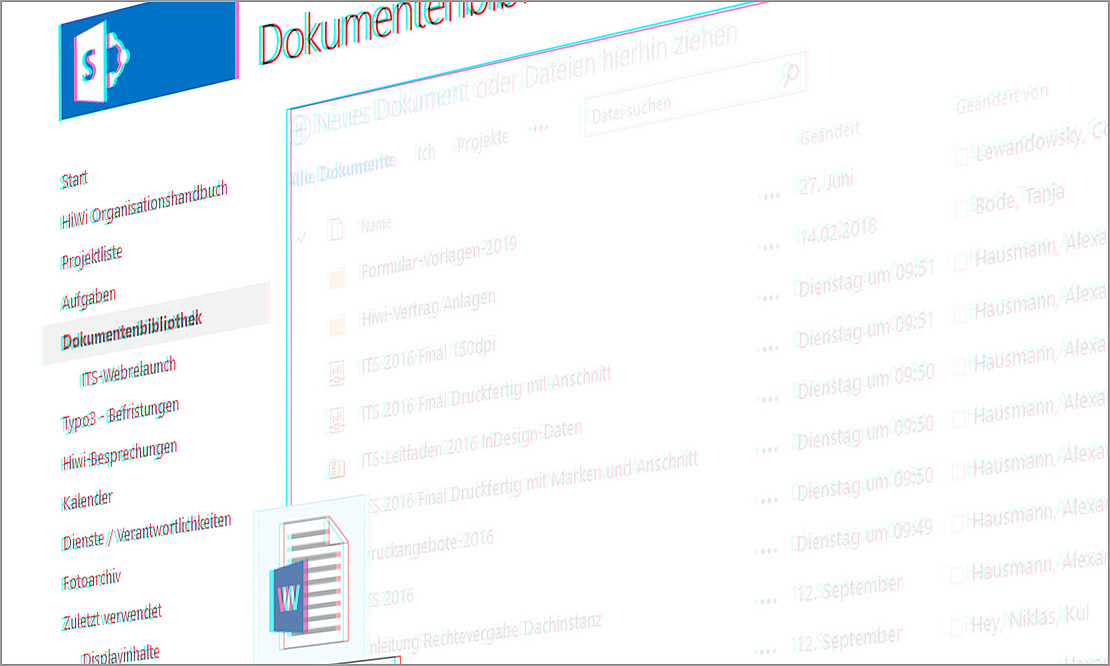 Image: IT Service Center
Directly to:
1. basic information
SharePoint is a collaboration platform provided for employees of the University of Kassel. External users can also be authorized with an individual account. It offers functions for groupware, document and project management and supports teams in the simultaneous and joint processing and organization of tasks, files and documents. The service enables data to be stored securely on the university's servers and the progress of work within a team to be tracked transparently.
All university employees can use SharePoint to jointly manage content, documents, calendars (appointments) and tasks.
The IT Service Center (ITS) at the University of Kassel is responsible for the deployment, maintenance, and support of SharePoint.
2. brief description
SharePoint offers central storage, organization and joint editing of documents and content in teams and projects. Users can create intranet portals, team websites and workflows to digitally map and optimize work processes. SharePoint enables efficient collaboration, document management and structured provision of information.
An alternative document management platform for all university employees is Confluence
3. main functions
- Document management: Storage and organization of documents (e.g. PDF, Word, Excel); access and editing of documents by authorized users
- Teamwork and collaboration: Simultaneous access to shared documents and resources - across platforms and independent of the operating system; creation of teams and groups
- Versioning: Changes to documents are documented in multiple versions.
4th deployment scenario
- Document management: A user has created a SharePoint site collection to organize documents and content within the team.
- Project management for research projects: The team uses SharePoint to store and manage its project goals, plans and results.
5. technical requirements
Access is via the browser at https://sharepoint.uni-kassel.de. The storage space of a website collection is 20GB.
6. use and access
Through the IT Service Center, employees from academic units and departments at the University of Kassel can request a SharePoint site collection.
Request a New SharePoint Website Collection
A separate workspace (website collection) is set up for each workgroup or project team. Within this website collection, team members can store, share, and edit documents. It is always possible to see who last worked on a document. In addition, external individuals can also be granted access to a SharePoint account upon request. For more information, see Accounts for External Users (without a UniAccount).
7. support and contact
| Name, Forename | Contact | |
|---|---|---|
| IT-Servicedesk First point of contact for all support requests | Telephone +49 561 804-5678 Email it-servicedesk[at]uni-kassel[dot]de Support Submit ticket (recommended) |
8. instructions and further links
No specific training courses are currently offered. If you have any questions, please contact the IT service desk.
9. special notes (data protection, terms of use)
A list of procedures, coordinated with the data protection officer, is in place. Access to the server system is protected in accordance with the standards in effect at the IT Service Center. Passwords are synchronized with Active Directory via the university’s internal network and are transmitted and stored exclusively in encrypted form.
Users are provided with 20 GB of storage space within the Website Collection as standard. An increase in storage space is possible, but is associated with costs of €250 per year for each additional 10 GB.
It is only possible to restore a complete website collection, even if only parts of the website collection are affected. The maximum possible data loss includes the changes made in the last 7 days before the data was lost.
Status: March 2025
Go-Link of this page: https://www.uni-kassel.de/go/sharepoint