

Instructions: E-learnings via the Onleihe
Guide: Accessing E-Learning via the Onleihe
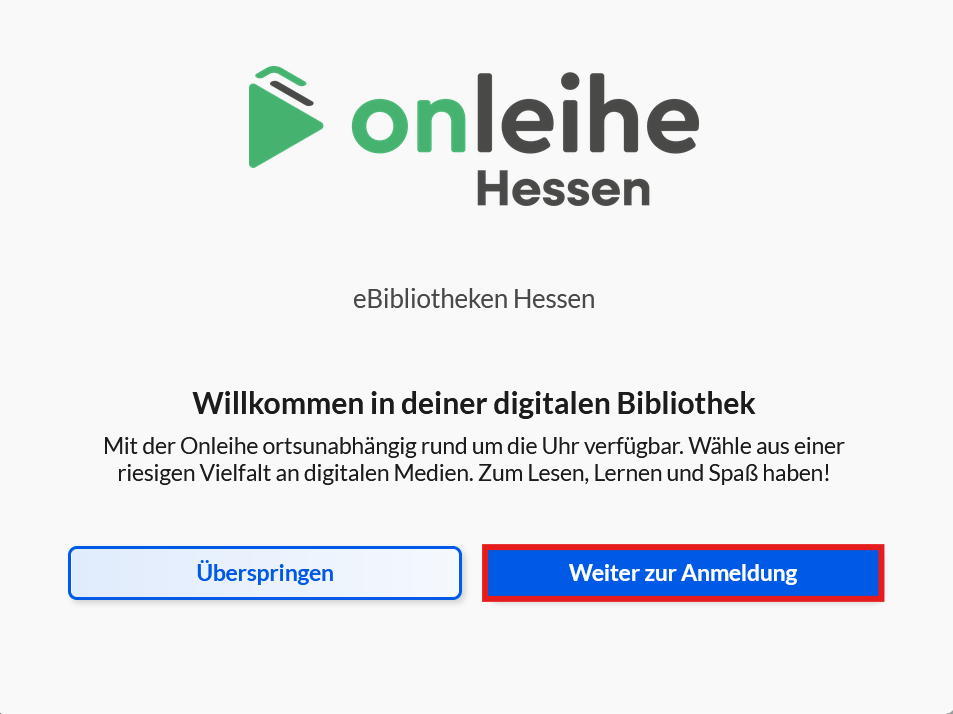
1. Visit the website of the Onleihe VerbundHessen.
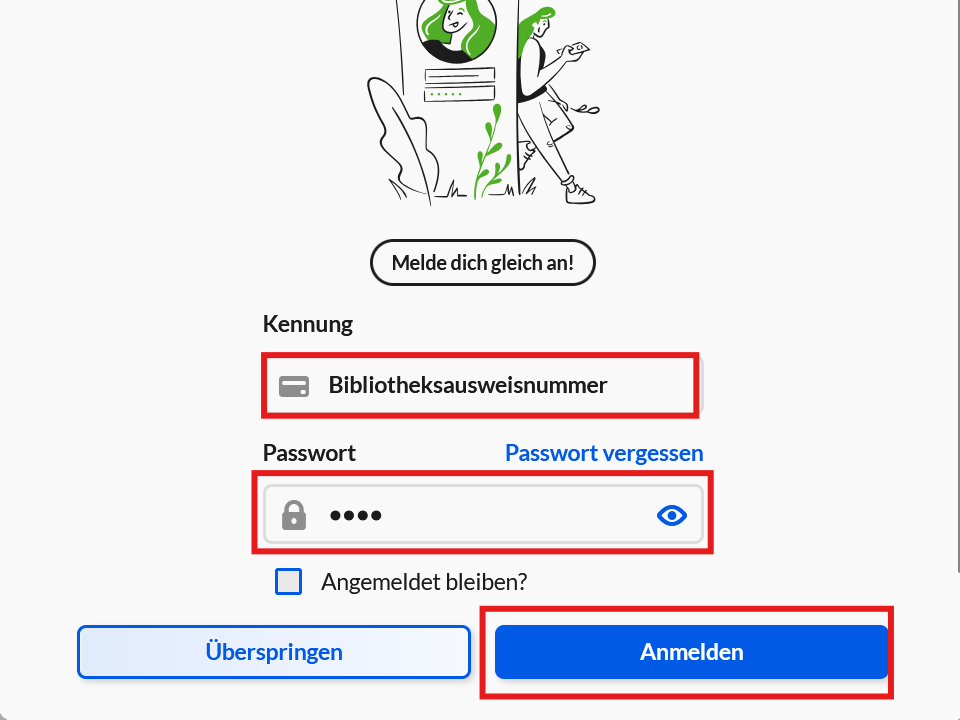
2. You will be prompted to log in. First click on “Weiter zur Anmeldung”.
3. Then log in using your Uni-Account and the corresponding password.
4. Then confirm the terms of us.
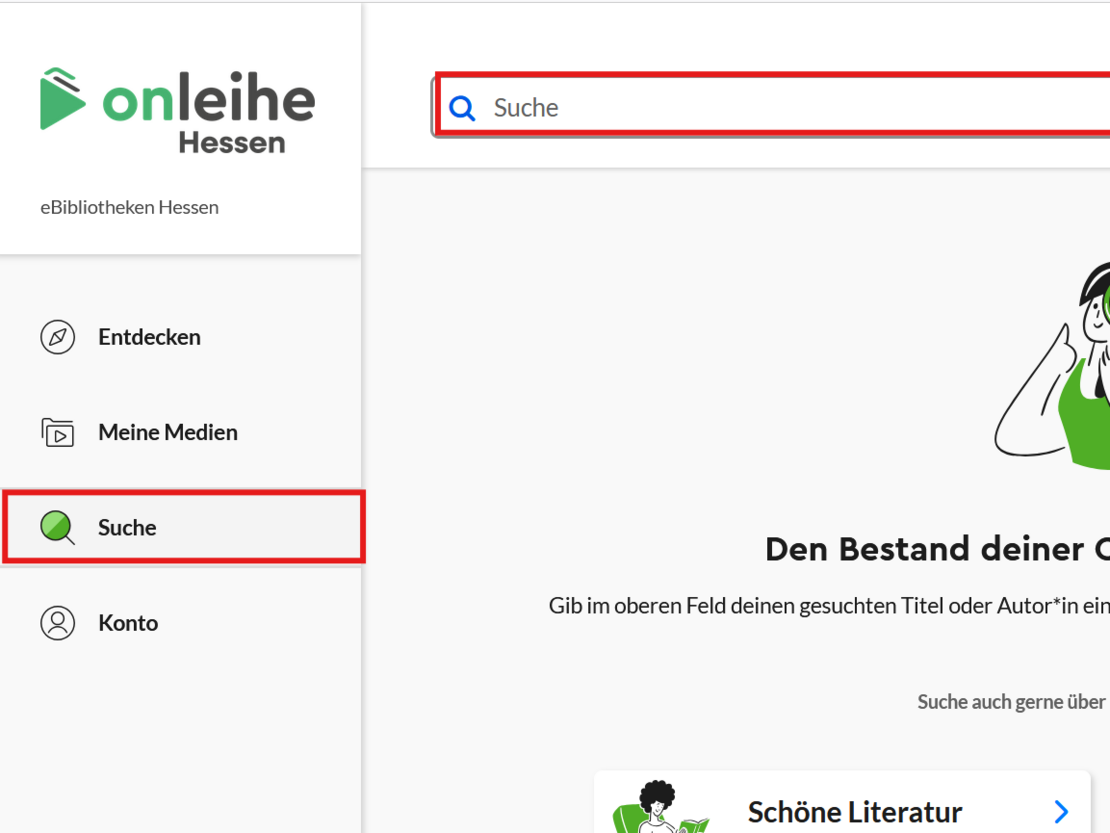
5. Click on the “Suchen” tab in the left navigation.
6. Use the search field to enter a course you would like to take. You can also search using keywords for programs or soft skills that interest you. A selection of courses recommended by the Unit for Strategic Personnel and Organizational Development can be found here.
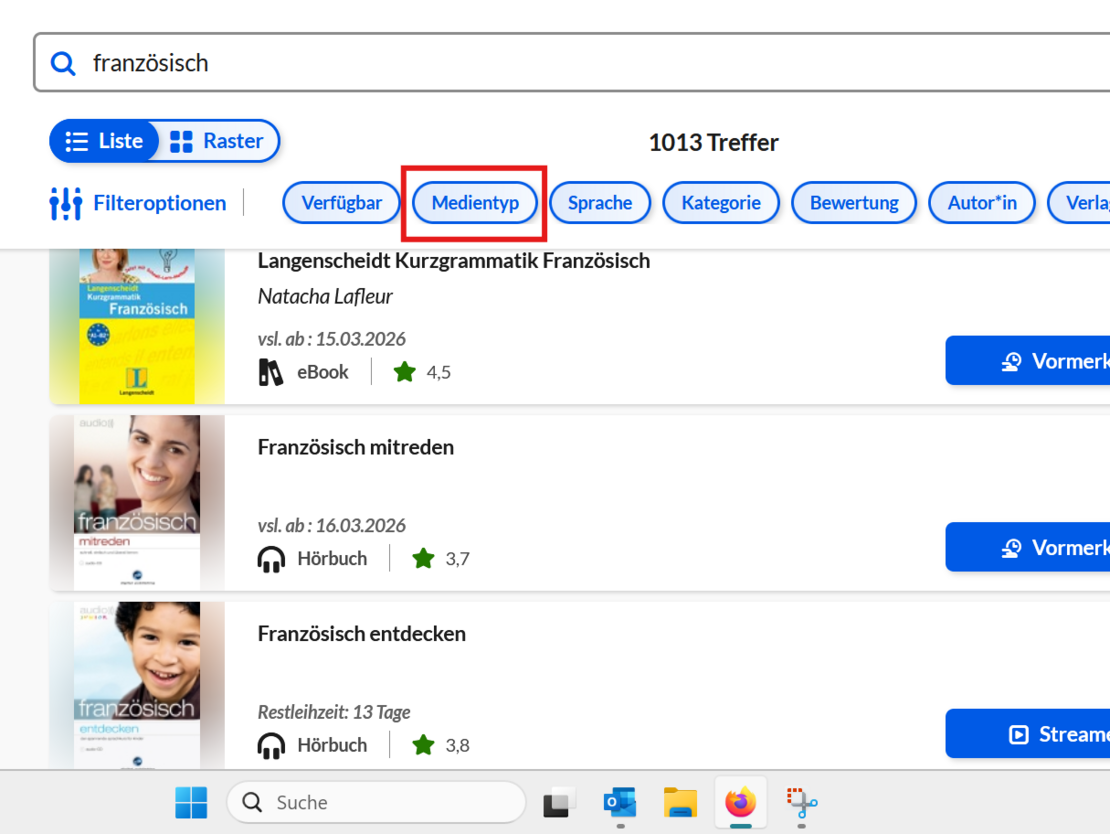
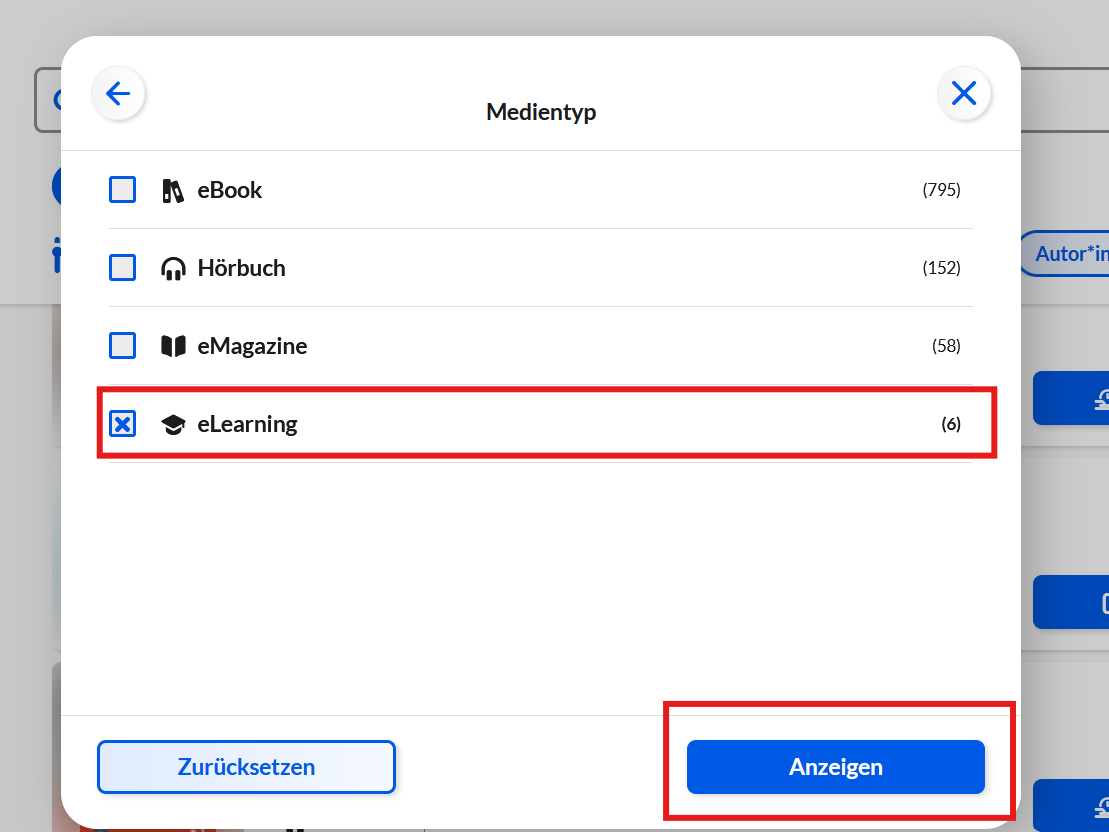
7. Under the filters, select the category “eLearning” in “Medientyp” to display relevant courses.
8. You can use the additional filters to refine your search, for example by the language of the course. You can find different languages under the filter “Sprache”.
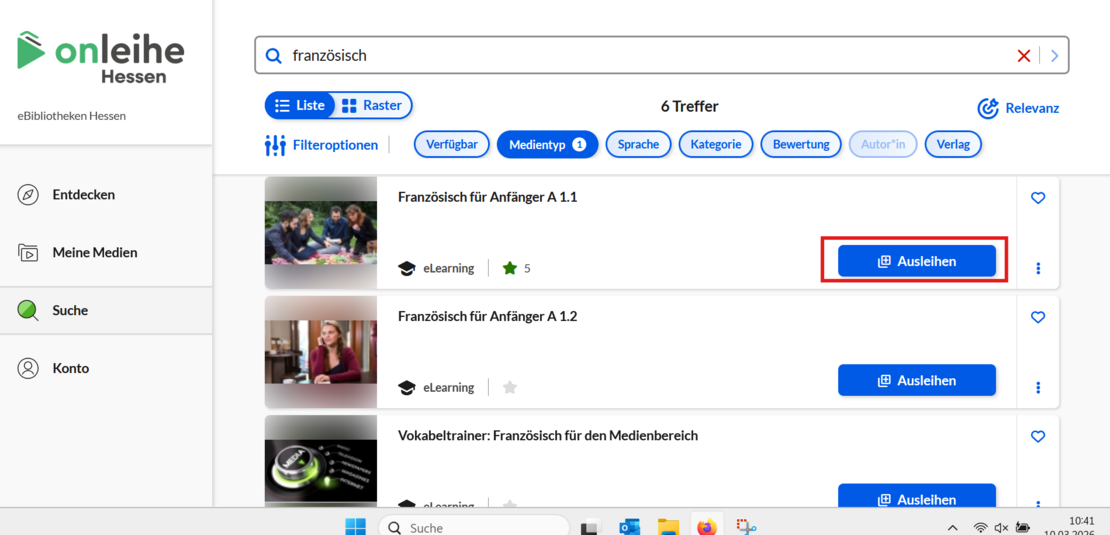
9. In the next step, click “Ausleihen.”
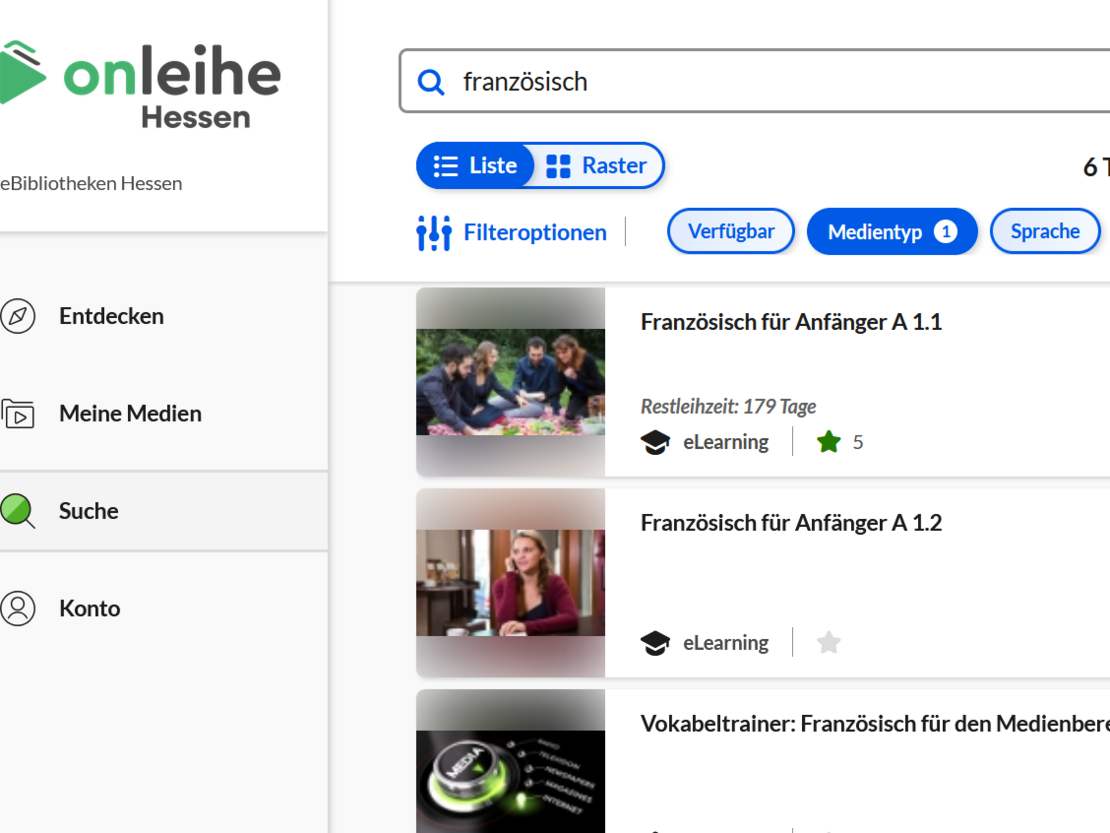
10. Then click “Öffnen.” You will be redirected automatically.
You can either create an account using your personal details or choose the anonymous registration option.
Note: If you register using your personal details, a user account will be created with LinguaTV. For data protection reasons, we recommend not using this option. If you prefer not to do this, you can use the anonymous registration instead.