

Access to DeepL
The content on this page was translated automatically.
Activation of a DeepL license via identity management (IDM)
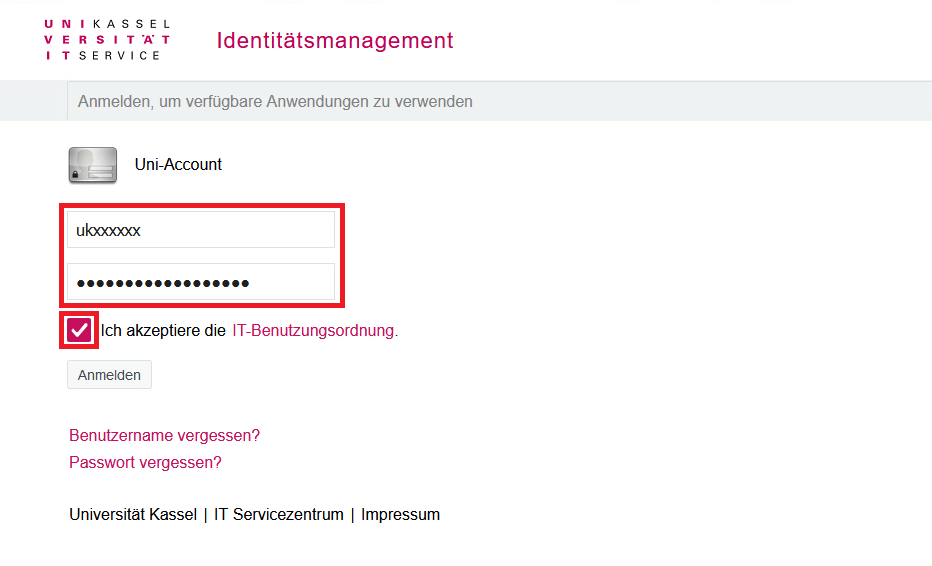
Please first log in to Identity Management with your UniAccount.
To do this, enter your user name <ukxxxxxx> and the corresponding password.
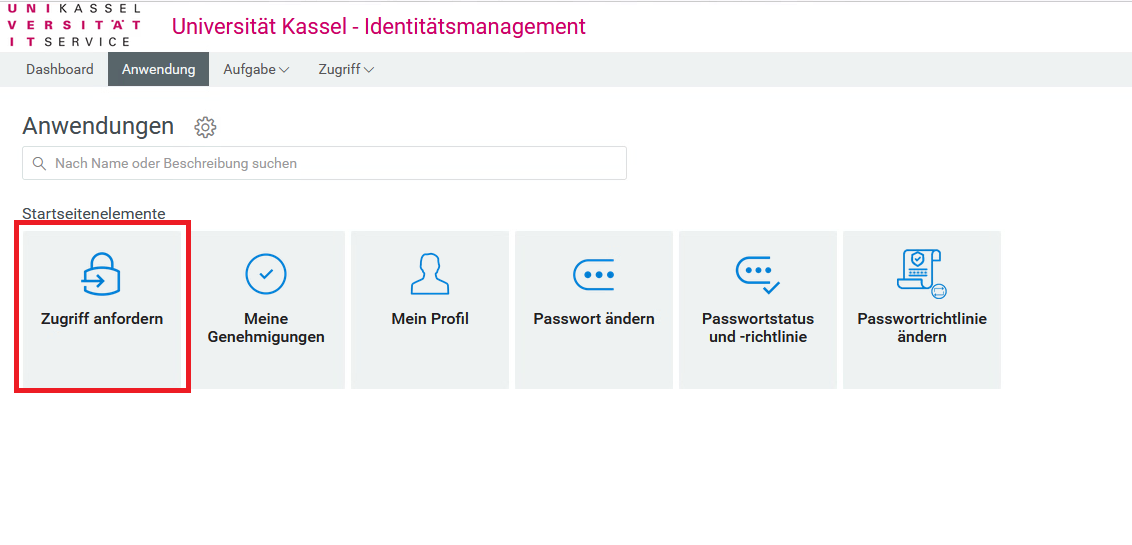
After logging in, please click on "Request access".
Then scroll to the "Services" area and click on the "Manage DeepL" tile

If nothing happens after this action, your web browser is probably blocking the pop-up window that should actually open. Please make sure that your web browser allows the opening of pop-up windows for userapp.uni-kassel.de.
In Mozilla Firefox, for example, a message and an option to allow the pop-up window is displayed directly below the address bar.
In the next step, you will be asked to accept the terms and conditions of participation and use (linked there). Finally, click on "Send".

Your account is now activated for access to DeepL. You can now log in with your UniAccount via the link uni-kassel.sso.deepl.com or the desktop app.
Go-Link of this page: https://www.uni-kassel.de/go/deepl-freischaltung